Who should use OpenWhispr, and when SayOnce fits better
TL;DR
Choose OpenWhispr for model choice, your own API key or dictation across Windows, Mac and Linux. If you only want hold-to-talk on Windows, a single-model program is quicker to live with.
Pick OpenWhispr if:
You switch between Windows, macOS and Linux and want one dictation habit
You like trying speech models to suit your voice and hardware
You pay an API provider and want to use your own key
You need meeting notes with speaker labels in the same program
Consider SayOnce instead if:
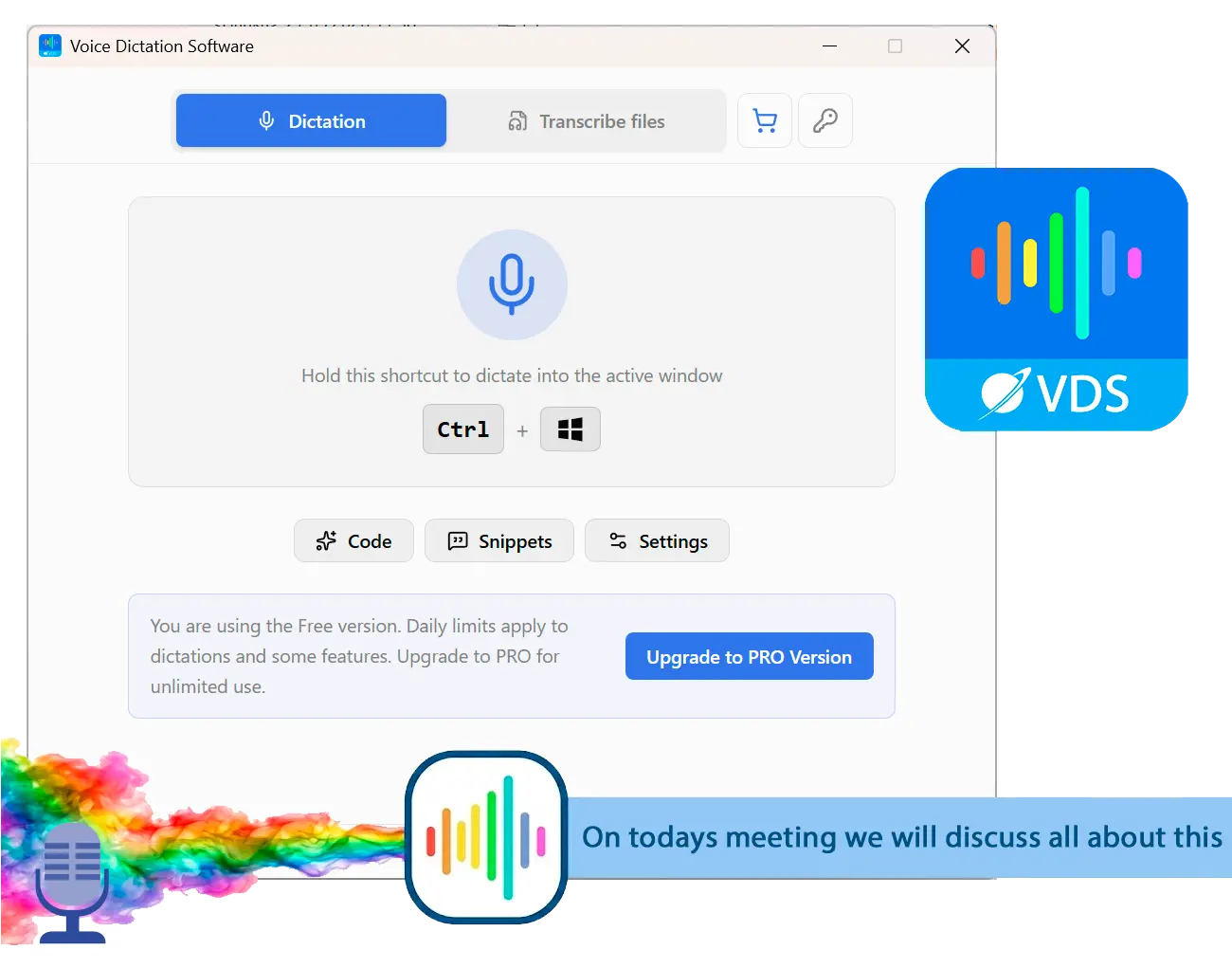
You dictate only on Windows and do not want model or API key choices
You reuse paragraphs and want snippets plus a personal dictionary
You batch-transcribe interviews or voice memos to .txt files
Skip both if:
Win+H already covers your quick notes
You dictate in many languages and accept a cloud subscription; Wispr Flow fits better
Yes. Use installed models for unlimited free dictation; Cloud and meetings have the allowances listed above. Our OpenWhispr pricing verdict: Free is enough unless you rely on Cloud dictation or meeting hours.
On Windows, consider OpenWhispr with Whisper or Parakeet, or Handy. Both are open source. Handy is lighter but leaves punctuation to you. SayOnce has a daily free cap without model choices.
Hold the global hotkey, speak and release. Your selected engine recognizes the speech; OpenWhispr copies the result, pastes it into the active window and restores your clipboard.
The vendor says downloaded-model dictation transmits no audio, but tracker issue #3227 reports an apparent Cloud connection attempt. Follow the firewall advice above if you need certainty.
OpenWhispr's troubleshooting docs cover this known problem. Update to the latest release, follow that entry and, if it persists, report your version on GitHub.
 SayOnce - Voice Dictation Software