SoftOrbits Icon Maker SoftOrbits Icon Maker
Windows Icon Maker Software for PC

SoftOrbits Icon Maker Software helps you create icons from PNG images and other graphics for Windows, Android, and iOS.

SoftOrbits Icon Maker Screenshot.

SoftOrbits Icon Maker Software

SoftOrbits Icon Maker is a software for creating and editing application icons. It features a simple user interface and solid tools for high-quality artwork. You can create icons and icon files, or edit, extract, convert, and manage existing ones. The icon maker software runs on a Windows PC and supports exports for other platforms, so you do not have to worry about compatibility.

How to Make Icons for Apps and Desktops

An icon is a user interface element that serves as the face of an application, file, folder, window, operating system component, or device. It is part of a brand signature and should carry a clear meaning. When you develop a program, website, or application, it pays to treat these details seriously and choose capable icon software.

SoftOrbits Icon Editor for Windows 10 / 11 is a reliable icon making program for creating your brand-new icons. Let's have a closer look at this software and figure out why it is different from other icon making programs.

 Icon Maker Free Download
Create icon template.

Icon Maker Software for Windows 10 and 11

At the same time, and it is not difficult to switch between them. The program has an exhaustive help file that includes a detailed user manual with practical recommendations.

 Icon Maker Download
Icon maker software.

Create Icon Files from Images

Your free icon maker download includes a easy-to-use file manager. It supports batch processing and many operations at once across large image sets. For example, you can build icons from a series of PNG files or convert several Mac icons to Windows format in one batch. Icon Maker for PC also supports multi-format icons so your projects stay compatible across configurations.

Icon library.

Icon Maker for Windows, Android, and iOS

This program works with various icon libraries as an icon extractor. It supports popular image formats: JPEG, GIF, PNG, CUR, BMP, ICO, ANI, XPM, ICL, TIFF, and Photoshop files. A standout feature is the ability to create icons for multiple operating systems, including Windows, Android, and iOS.
Create icons for windows, android, ios.

Convert Images to Icons

Pick the operating system and the source image converts to the correct icon format. Convert JPEG to icon or PNG to icon in a few clicks. The app generates every Windows 11 icon size you need. You can use this icon design software to draw pixel art, animations, and other graphics, and convert JPG to ICO for Windows 11 or Windows 10.
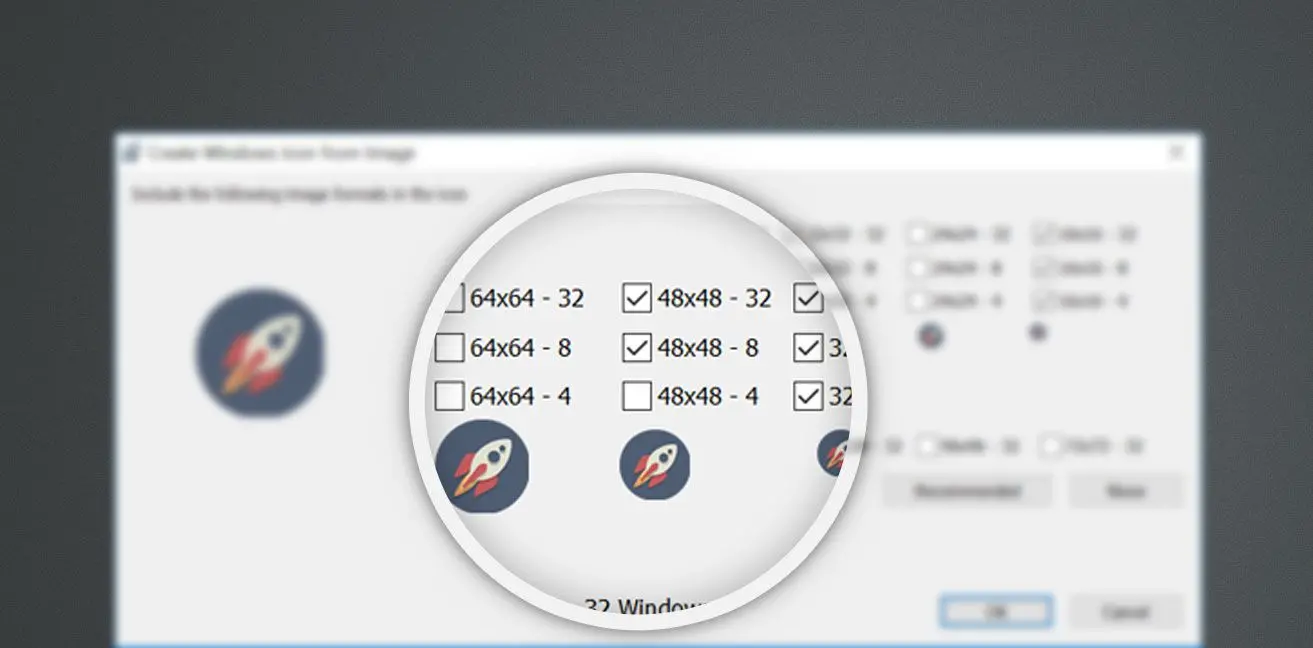
Convert png image to icon.

Plenty of Options for Editing Icons

To process icons, you get graphic tools, a large library of palettes, and gradient fills for static objects, text, and animated images. Apply gradients or styles to monochrome filters that mimic a surface, then add blur or decorative effects to transform an icon. Rotate and mirror objects, add text, apply perspective, clone regions, and more.
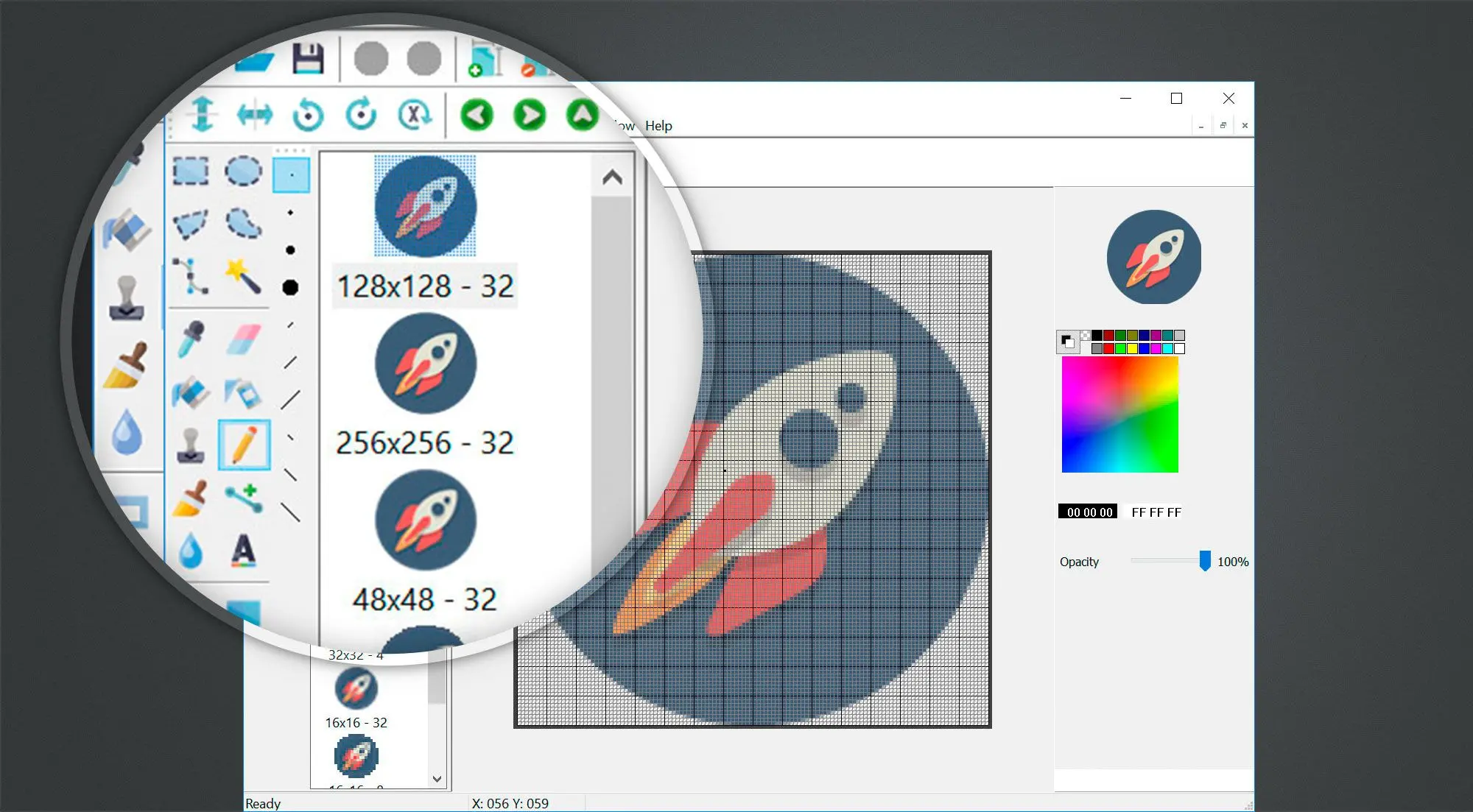
Icon editor.

Comprehensive Icon Editing

Convenient scaling, a preview window, and snapshot export in multiple formats make design and editing easier and help you spot what to refine. This Windows icon maker works well for beginners and professionals alike.
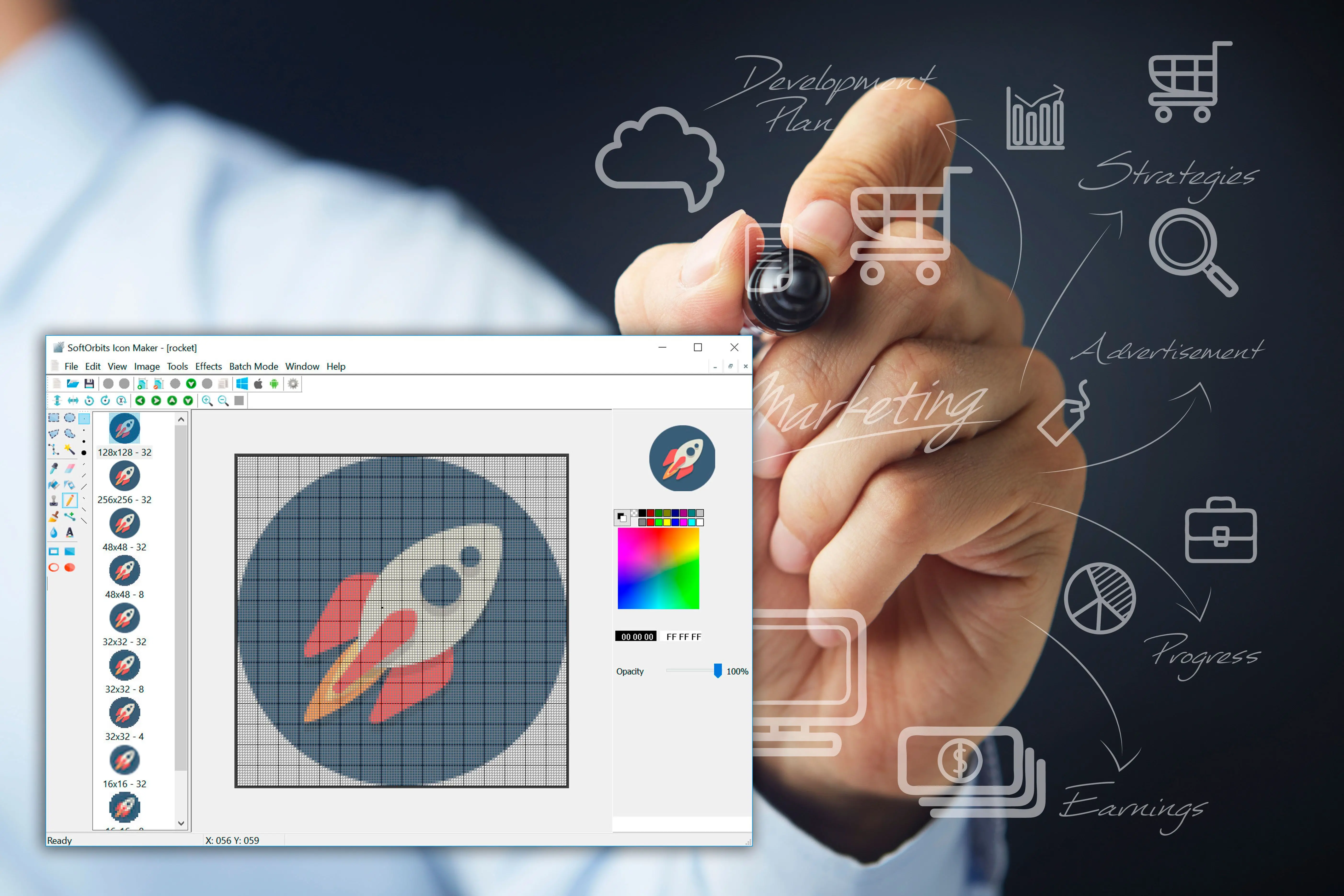
Icon editing software.

Drawing Cursor Graphics

In addition to creating icons, SoftOrbits Icon Maker allows creating graphical processing cursors (.cur) for any operating system. If you combine cursor rendering with animation, you can easily see the result of your work in motion and get an idea of what it's going to look like after. A large selection of special effects, color correction functions, cropping, image animation effects is offered to work on cursors to make them vivid and catchy.

 Icon Creator Download
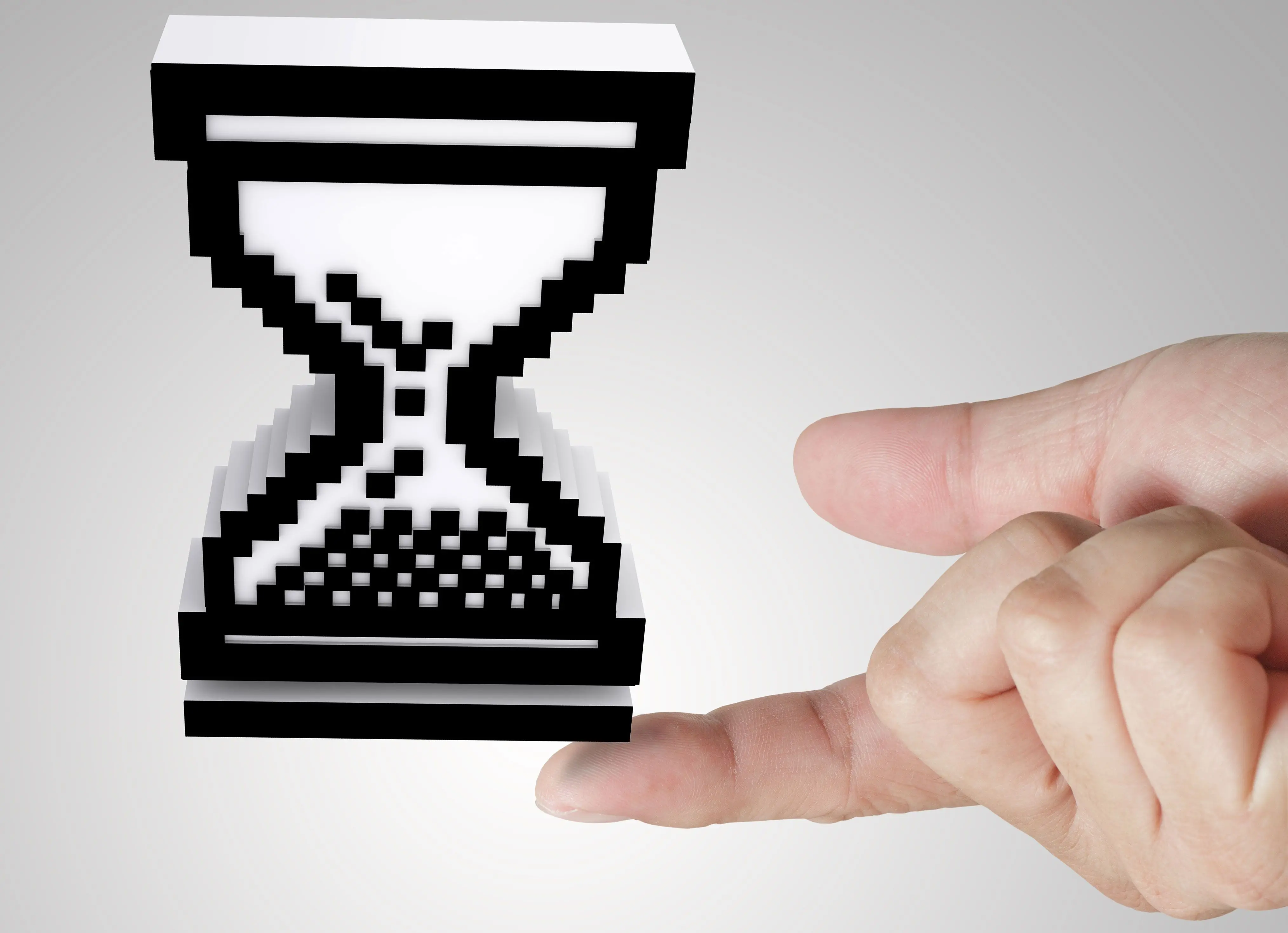
Software to create cursors.
SoftOrbits Icon Maker

SoftOrbits Icon Maker

Languages
File Size

10.9 Mb

Version

1.8

Last updated on

01/04/26

$ 19.99

🖥️ System Requirements

  • Windows 11/10/8.1/8/7 (32/64 bit)
  • Intel i3, AMD Ryzen 5 or above
  • 4 GB of RAM or above
  • NVIDIA® GeForce® series 8 and 8M, Intel® HD Graphics 2000, Quadro FX 4800, Quadro FX 5600, AMD Radeon™ R600, Mobility Radeon™ HD 4330, Mobility FirePro™ series, Radeon™ R5 M230 or higher graphics card with up-to-date drivers
  • 1280 × 768 screen resolution, 32-bit color
  • 1 GB of free hard disk space or above

🙋 Frequently Asked Questions

The quality of your icon will not change at all even after it's been resized and modified. You can safely export images to any convenient format.

You can open an image in the icon maker software to edit, modify, and improve them as you wish. Then save picture as an icon in desired format.

Yes, you can! You just need to select the image and in a few steps, the SoftOrbits Icon Maker will reduce the resolution of the original image to convert GIF to ICO for the selected operating system.

The icon maker software can use many of libraries for images, including ICL, DLL and it even works with .exe files. It also supports JPEG, TIFF, GIF, BMP, and PNG formats. This is a software to create an icon from PNG.

Yes! You need to click on the icon of the necessary operating system on the control panel, and the icons will be adjusted automatically.

The program offers more than 20 different special effects for processing the images. The basic options include: playing with brightness and colorizing images, experimenting with color and shadows, making icon file elements more graphic or more blurry.

Yes, it is. Functional tools of SoftOrbits Icon Maker Software allow making any element of the icon animated or static.

Yes, you can. The icon design software has all the necessary tools for working with geometric distortions for the entire image or its elements to make the icon more vivid and unique.

You can download the installer for PNG to ICO converter Software from the official SoftOrbits website for free, without any charges or fees, and then install it quickly and easily on your computer.

Plenty of various effects and important functions for editing images will help you create your unique icons or sets of icons. They will surely stand out and attract the attention of the audience. Simple interface and accessibility of the integrated file system simplifies searching for the right image and allows working on several icons at the same time. Compatibility with all other operating systems and support for a huge number of formats decreases the risk of the finished icon's inability to be opened on another computer. SoftOrbits Icon Maker for Windows 11 is a worthy icon making software and it will appeal to any user, no matter the experience or expertise.

When choosing an icon editor tool, consider the following factors:
  • Compatibility with the file types you need to work with (e.g. PNG, SVG, ICO)
  • The tool's range of editing capabilities (e.g. basic drawing and shaping tools, ability to work with layers, etc.)
  • Ease of use and user interface
  • Any additional features that may be useful to you, such as the ability to export icons in different sizes or the ability to work with templates.
  • Platform availability (Windows, Mac, Linux, etc)
  • Cost and licensing.

Popular icon editor tools include Adobe Illustrator, Sketch, Figma, Adobe Photoshop, Inkscape, and GIMP. It is also recommended to check out user reviews and tutorials to get a sense of how each tool works and whether it meets your needs.

Rate SoftOrbits Icon Maker

  • Windows 7
  • Windows 8
  • Windows 10
  • Windows 11
Author: SoftOrbits (English)
Avg. rating: 4.5 from 1135 votes