Main Features of Willow Voice
Willow packs hotkey dictation into any app, with AI Mode formatting and filler-word removal. It also carries an auto-learning dictionary and a Whisper mode for noisy rooms. It works across desktop and iPhone. The gap is a true cross-platform offline mode, which stays limited to Apple devices.
Here is what Willow Voice actually gives you, based on its own product pages and store listings.
press your hotkey and speak into any app, from email to a code editor, without opening a separate window.
adapts tone and structure to the destination app and learns your writing style over time, so a Slack message reads differently from an email.
strips filler words like "uh" and "actually" and fixes punctuation automatically as you talk.
meant to remember names and product terms, though reviewers report it stays inconsistent (more on that below).
tuned for background noise and fast speakers.
save and insert frequently used phrases by voice.
Mac and Windows desktop plus iPhone, with 100-plus languages you can switch mid-dictation.
Willow markets SOC 2 Type II and HIPAA with zero data retention, but that enforced privacy mode is a Business-tier feature, not the default.
Willow Voice Pricing and Performance
Willow Voice runs a free plan, then Individual Pro at $15 a month ($144 a year), Business at $35 per user, and custom Enterprise pricing. There is no lifetime or one-time option at any tier. Independent testing puts English accuracy at 85 to 90 percent, dropping to 60 to 70 percent on technical terms in French.
Pricing is where the subscription math starts to matter. The plans below are from Willow's own pricing page as of July 2026. Early-stage products change prices often, so treat these as a dated snapshot.
| Plan | Price | What you get |
|---|---|---|
| Free (Basic) | $0, no credit card | Lighter Frontier Mini model, 20 Scribe AI-formatting uses per week |
| Individual Pro | $15/mo, or $12/mo billed yearly ($144/yr) | Stronger Frontier Pro model, longer dictation sessions |
| Business | $35/user/mo ($28/mo billed yearly) | Enforced zero-retention mode, SOC 2 Type II, HIPAA posture, admin controls |
| Enterprise | Custom | Invoice billing, SSO/SAML, dedicated support |
The free plan runs a weaker model, but reviewers report the free allowance, roughly 2,000 words a week, runs out within a couple of days of steady professional use. The bigger issue is the lack of a one-time option. There is no lifetime tier at any level. Over three years, one independent review works Individual Pro out to $432, and $720 over five years, and scores the app 7 out of 10 partly on that cost.
On performance, the speed is real. Willow feels quick, and a reviewer who ran it for three months measured latency under 200ms in normal use. Accuracy is more nuanced. That same long-term test put English accuracy at 85 to 90 percent, French general accuracy at 80 to 85 percent, and French technical vocabulary at 60 to 70 percent. In one example, the reviewer dictated "backlinks strategy in SEO" and got back a mangled version with the wrong accents. The custom dictionary reached only about 60 percent consistency after three months of active correction.
Store ratings tell the friendlier half of the story. Willow holds 4.6 out of 5 on the App Store from 898 ratings, and a separate review scores it 7.6 out of 10, calling its 200ms latency faster than the unnamed competitors it cites. Good numbers, with the usual caveat that store ratings skew toward people who kept using the app.
Fast dictation with latency measured under 200ms
AI Mode cleans up filler and formats to the app you are in
Works across Mac, Windows, and iPhone from one hotkey
Strong store rating: 4.6/5 on the App Store from 898 ratings
Subscription only, with no lifetime or one-time plan
Cloud-first, so recognition needs a live connection on most setups
Accuracy drops on non-English and technical vocabulary
Real privacy mode (zero retention) is Business-tier at $35/user
Get Willow from willowvoice.com for your platform and install it.
The Free plan is free to start, so you can try it before paying.
Allow mic access, and on iPhone enable the Willow keyboard, so it can capture speech in any app.
Confirm the desktop hotkey, or enable the Willow keyboard on mobile, so one press starts dictation.
Open your target app, put the cursor where the text belongs, press the hotkey, and talk in natural sentences.
It removes filler and fixes punctuation, and with AI Mode you can request a cleaner rewrite for that app.
Fix any missed names or jargon so the auto-learning dictionary can adapt, and check the result before you send.
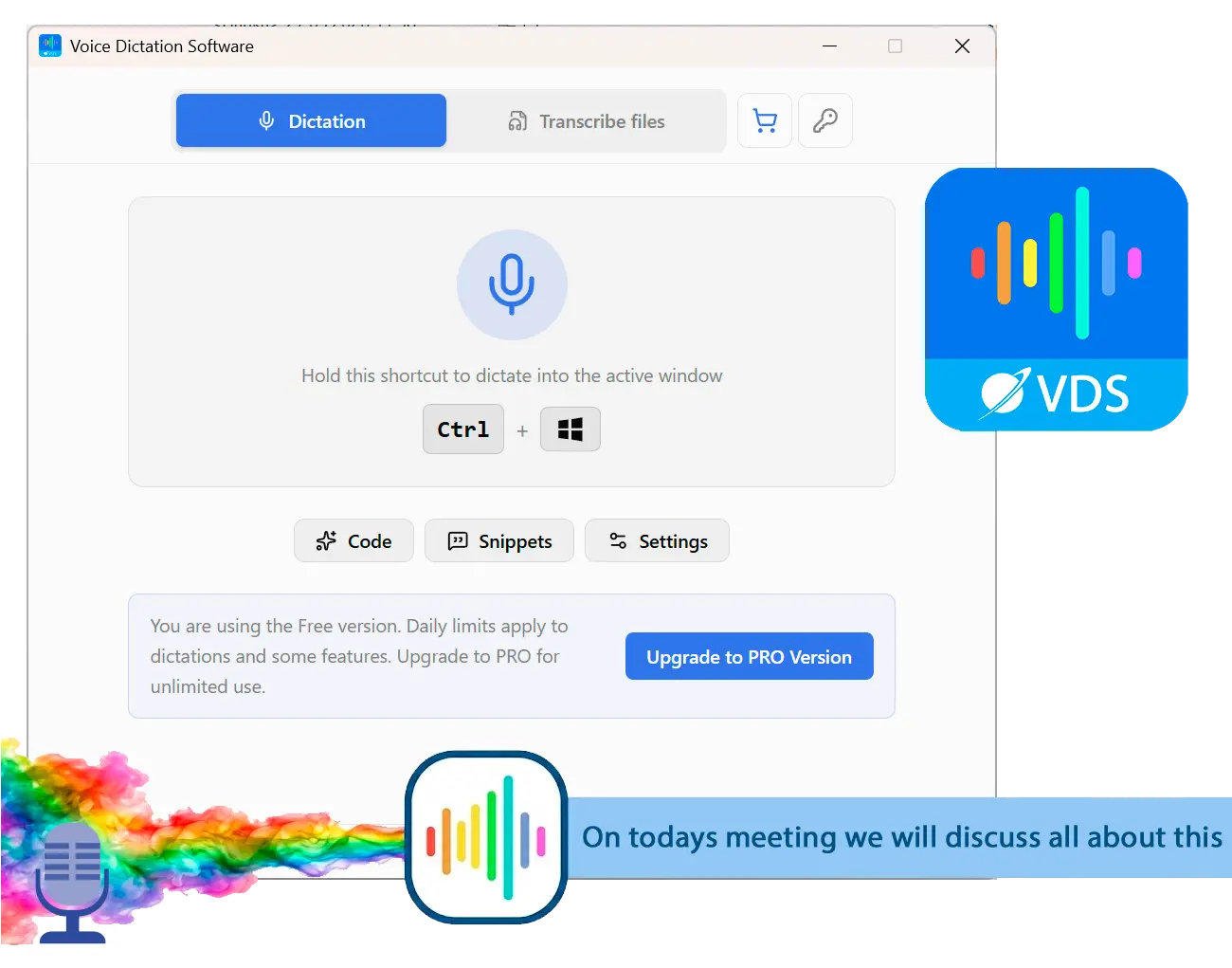
Voice to Text Dictation Software for Windows allows you to input text 4x faster. Just hold a hotkey and speak instead of typing text. Convert your audio and video files into text for quick reading.
Where Willow Voice Falls Short
The real limits are structural. Willow is cloud-first, its offline mode does not reach Windows, and true privacy sits behind the $35 Business tier. Add the subscription-only pricing and the AI rewrite you cannot fully switch off, and Windows users have several reasons to look around.
Start with the internet. Because recognition runs in the cloud, dictation degrades or stops when your connection does. On desktop the gap is sharper: one independent alternatives round-up reports that Willow's desktop build "refuses to transcribe without a connection," while the opt-in offline mode stays on Apple hardware. If you are on Windows and want to dictate on a plane or a locked-down work network, that is a hard stop.
Then there is privacy. This is the point people miss when they see "HIPAA compliant" on the marketing pages. Zero data retention and the enforced privacy mode are Business-tier features at $35 per user. On the Free and Individual plans, your audio is sent to Willow's servers for processing. An independent privacy audit also found that Willow's published privacy policy, dated April 30, 2025, does not document the Offline Mode feature or spell out its HIPAA scope, even though HIPAA is marketed on the pricing page.
On Willow's Free and Individual plans, your audio is streamed to the cloud for recognition. The enforced zero-retention privacy mode only kicks in on the Business tier at $35 per user. For client notes, contracts, or medical details, that pricing gate is worth reading twice.
The last friction is the AI itself. In a community thread, a user reported that Willow rewrites what you say and reads the word "delete" as an instruction to edit your text rather than type it, with no clean way to turn that off. That is fine when you are drafting fresh, and a problem when you are dictating into text that already exists. Reviewers also flag an 8-minute cap per session on the paid plan, which means restarts on longer writing runs. None of this makes Willow a bad tool. It makes it a cloud-first, English-first, subscription tool, which is exactly the profile a Windows user may want to trade away.
Best Windows Alternative: SayOnce Voice Dictation
SayOnce takes the opposite side of the two things that matter most here. It runs offline, and it is a one-time purchase instead of a monthly plan. You hold a global hotkey (Ctrl+Win by default), speak, and the text lands at your cursor in whatever Windows app you are using, from Word to a chat box to your IDE. There is no cloud round-trip and no subscription clock.

Recognition happens on your PC using a local NVIDIA Parakeet V3 model, so your audio never leaves the machine for speech-to-text. Instead of a monthly fee, SayOnce is a one-time home license at around $49.99, with a free version capped at 21 dictations a day on the full model, not a stripped-down one. Formatting runs through rules-based presets for prose, code, and email that fix punctuation and filler as you speak. There is a personal dictionary for your own terms, snippets that expand a trigger phrase into a block of text, and batch transcription that turns audio and video files into text in one pass.
If you mostly dictate straight into Word, that offline, in-place workflow is the whole point.
Dictate through Willow's servers on a $15 monthly plan, with a live connection required on Windows and audio processed off your machine.
Speak into any Windows app with the model running on your PC. Audio stays local, and you pay once instead of every month.
We are honest about the tradeoffs, including our own. SayOnce runs on Windows 10 and 11 only, so there is no Mac or mobile build, and Willow clearly wins on reach there. Its formatting is rules-based, not AI context-aware, so it will not reword a rambling sentence into a polished email the way Willow's AI Mode can. It covers 25 speech languages against Willow's 100-plus claim, the first run downloads a roughly 478 MB model, and there are no spoken editing commands like "delete that paragraph" in this version. For a Windows user whose priorities are offline privacy and paying once, those are limits worth accepting. For others, they are dealbreakers, and we say so below.
Runs offline, so your audio stays on the PC for recognition
Types into any Windows app at the cursor, no browser or cloud tab
Costs one payment instead of a monthly subscription
Includes batch transcription of media files to text
Windows 10/11 only, with no Mac or mobile build
Rules-based formatting, not AI context-aware like Willow's AI Mode
Covers 25 speech languages, fewer than Willow's 100-plus claim
Downloads a roughly 478 MB model on first run
Willow Voice vs SayOnce
Here is the side-by-side on the points people actually weigh. Willow facts come from its own pages and the independent reviews cited above; SayOnce specs come from our product data.
| Feature | Willow Voice | SayOnce |
|---|---|---|
| Processing | Cloud - audio sent to servers | Local - audio stays on the PC |
| Price | $15/mo, or $144/yr | One-time ~$49.99 |
| Offline mode | Apple devices only, not Windows | Yes - core to the app |
| Platforms | Mac, Windows, iPhone | Windows 10/11 only |
| Formatting | AI context-aware | Rules-based presets |
| Languages | 100+ claimed | 25 speech / 20 interface |
| Batch file transcription | No | Yes - audio and video to text |
The split is clean. Willow wins on platform reach and AI formatting, and it is the better pick if you move between a Mac, an iPhone, and a work laptop. SayOnce wins on control. It runs recognition offline and keeps your audio on the PC for one price. If your dictation is cross-platform and you want the cloud to polish your prose, Willow earns its subscription. If it is daily, on Windows, and private, the one-time desktop tool pays for itself against $432 in subscription fees.
When Is Willow Voice Still the Better Pick?
Willow is the smarter choice when you are not on Windows, when you want AI formatting that reads context, or when you need a team-wide setup. For anyone on a Mac or a phone, or whose working language is not among SayOnce's 25, Willow's reach and polish are hard to match.
We would not push everyone to an offline Windows tool. Willow genuinely wins in a few cases, and the honest read is that it fits different people. A cross-platform writer who drafts on a MacBook in the morning and an iPhone on the train gets a consistent hotkey everywhere, which SayOnce cannot offer on Windows alone. Someone who values AI Mode, where the app reshapes a rambling voice note into a clean email, will find SayOnce's rules-based presets too literal. A team lead who needs shared vocabulary, admin controls, and a documented compliance posture has a real path on Willow's Business tier, gated privacy and all. And if your working language sits outside SayOnce's 25 speech languages, Willow's broader coverage may simply be your only practical option. Match the tool to the job: platform first, then whether you want the cloud to do the polishing.
Is Willow Voice Safe to Use?
Willow Voice is not malware, and it markets SOC 2 and HIPAA, so it is safe in the everyday sense. The real question is privacy. On the Free and Individual plans your audio is processed in the cloud, and an audit found the published privacy policy predates its offline and HIPAA claims.
There is no reason to treat Willow as unsafe in the malware sense. It is a funded product with a real compliance story on paper. The nuance, covered in the pricing section above, is where your voice goes on the cheaper plans. The privacy audit noted earlier also found that the policy does not spell out how Offline Mode is handled or scope the HIPAA claim, which is a documentation gap rather than proof of wrongdoing. This is the same cloud trade-off that generic dictation shares by design; an Apple Community thread shows users asking for a "do not send data" option and being told the only real fix is to stop using cloud dictation. For sensitive notes, a tool that runs on-device sidesteps the question entirely.
Other Willow Voice Alternatives We Considered
The closest cross-platform rivals, Wispr Flow and Superwhisper, either match Willow's price or land Mac-first. Spokenly leans on a free tier. We also weighed VoiceInk and Otter, plus MacWhisper, and cut each for platform or category reasons, explained below.
Willow is not the only tool in this space, and it is worth knowing the field before you pay. Here are the alternatives we weighed and where each landed.
We also considered and cut a few tools:
Sources