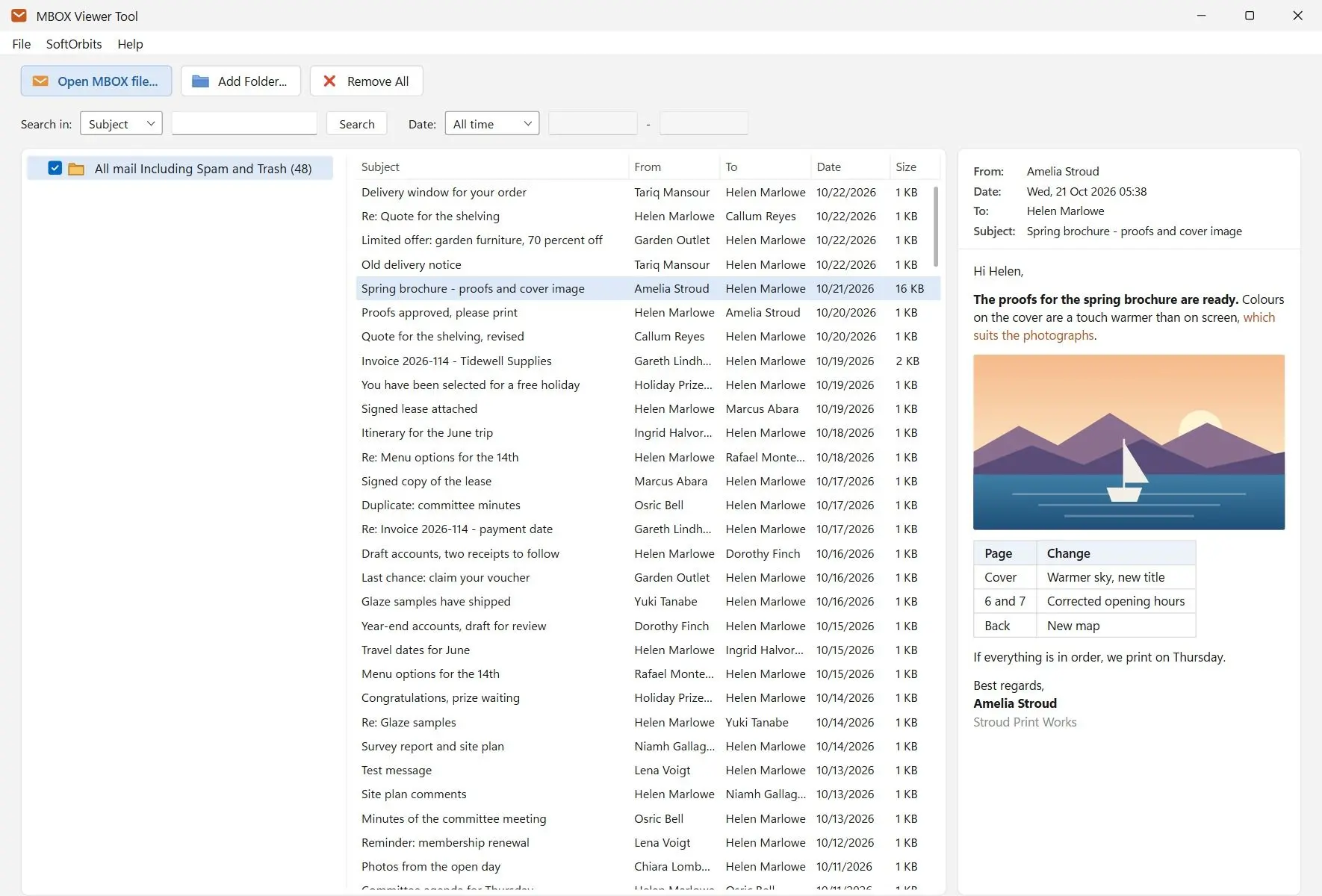
MBOX Viewer Tool
Find the .mbox file from Google Takeout or Thunderbird, read it on Windows without an email client, copy it into Thunderbird, or convert it for Outlook.
Can Outlook open an MBOX file?
No. Outlook has no MBOX import, so the mail has to be converted to a PST file first and then opened through File > Open & Export. Adam Fowler wrote plainly that Outlook "doesn't support this format," and the University of Maine IT guide says MBOX files "will need to be converted beforehand."
Both sources cover this route: Adam Fowler's post on viewing MBOX files in Windows and the UMaine knowledge base article on Google Takeout mail.
To read old messages only, a conversion is extra work. If the mail has to live in Outlook, you can convert MBOX to PST and open the result as a data file.
Check the extension before you start. A .pst or .ost file is Outlook's own format, and Outlook opens it directly through File > Open & Export.
Is there a safe way to open an MBOX file?
Yes. Use an MBOX file opener that works read-only and offline, and test it on a copy first. Also check what the trial actually allows before you rely on a tool labeled free, since many free viewers turn out to be demos with export locked.
A Ten Forums thread asks how to read one safely. A mailbox holds other people's addresses and whatever they attached, so privacy matters.
A desktop reader keeps the mailbox off a server. A read-only reader protects the original. Ours opens the .mbox file for reading only, and Thunderbird keeps the messages intact while you only read them, although it adds its .msf index file next to the mailbox and rewrites the file when you delete, move or compact mail.
Demo limits are another concern. Adam Fowler warned back in 2017 that many "free" MBOX tools are demos with a small cap, and vendor guides still put export behind a paid tier.
Our trial lists every message in the mailbox. Each day you can open 3 different messages freely and up to 10 with a reminder screen, and messages you already opened in the same session open again without counting. Saving, printing and attachments need a license.
Which MBOX file opener fits your case: viewer, Thunderbird or converter?
To read and search old mail, use a standalone viewer. To get the messages back in a working mail client, use Thunderbird Local Folders. If the mail must live in Outlook, convert to PST. Notepad is only for checking that the file is mail.
A plain MBOX file opener that only reads is enough for most people who land here with a Takeout export.
MBOX Viewer Tool
Sources