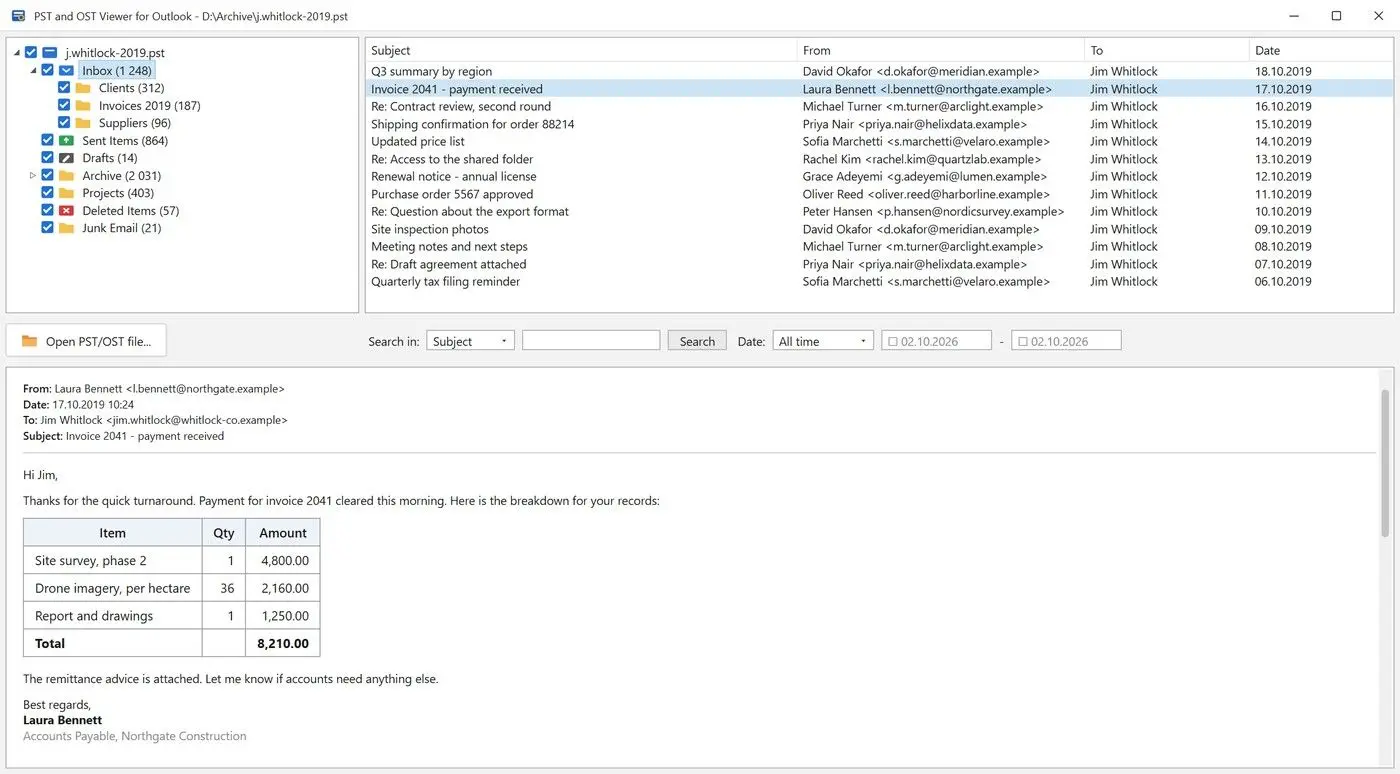
GoldFynch publishes no size limit. Cisdem reports trouble above about 5 GB and a blank, unresponsive page when first opening a 23.8 GB file. Enolsoft rates it as fine below 10 GB.
Large PST files slow down most readers; Aspose's developer notes warn that performance may degrade. Cisdem says GoldFynch struggles above 5 GB and can become unresponsive on very large files. Some folders appeared empty despite containing mail, even after a reload.
This also happens outside GoldFynch. One person with a large exported PST reported that every folder showed nothing found, although the mail remained in the file.
Both reviewers sell competing viewers. Treat 5 GB and 10 GB as test findings, not published limits: your file may open above that range or fail below it.
Open the same PST in a second viewer before assuming mail is missing. If its folders show the messages, the first viewer hit its limit.
For your own archive, with Outlook still installed, you can reduce the PST file size before opening it elsewhere. To open large PST file archives, try a desktop viewer if you only need to read the mail.
Can GoldFynch open OST and orphaned OST files?
GoldFynch lists OST support, but says nothing specific about orphaned OST files. Those are the files many people looking for an OST viewer have.
An OST can also become orphaned after a profile rebuild. People ask Microsoft's community for an official way to read these files; replies keep directing them to third-party software.
GoldFynch may open them, but we found neither a vendor statement nor a review that tested one. It is a fair first attempt. Switch to a desktop viewer if folders appear empty or the file will not load.
What should you do with a corrupted PST?
Repair the file before viewing it. GoldFynch cannot repair files; its FAQ directs you to Microsoft's Inbox Repair tool, Scanpst.exe.
Enolsoft reports that GoldFynch cannot handle corrupted PST files, matching the vendor's advice. GoldFynch also offers a separate free GoldFynch PST Analyzer to check PST or OST files for errors before adding them to an eDiscovery case. It reports problems for other programs to repair.
Scanpst.exe ships with Outlook. Microsoft's guide to repairing Outlook data files gives the Scanpst.exe installation folder and repair steps. With Outlook closed, browse to the PST, click Start and choose Repair if errors appear.
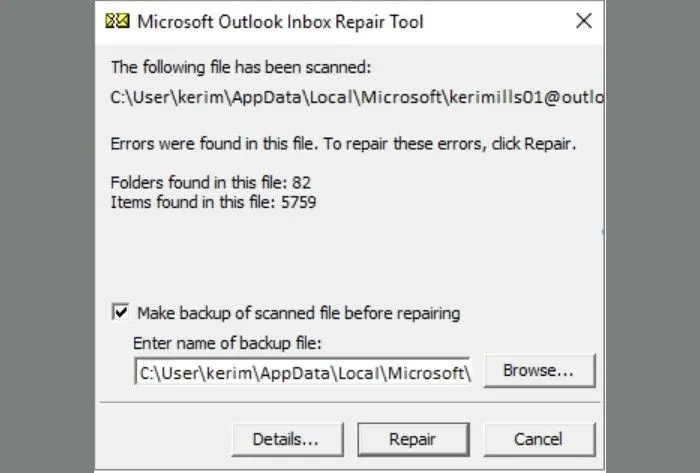
Scanpst rewrites the file. Keep its backup option ticked or copy the PST first, so a failed repair cannot destroy your only copy.
If Scanpst fails, follow the next steps to repair a PST file.
 PST and OST Viewer for Outlook