Duplicate Photo Finder
Find and delete duplicate photos on Windows 10 and 11 with File Explorer, PowerShell, OneDrive search or a duplicate finder, and keep every original safe.
How to remove duplicate photos in OneDrive
Search your local OneDrive folder for "copy" to find renamed duplicates. If file names include your computer's name, apply Microsoft's credentials fix before deleting anything.
A Microsoft Q&A discussion about OneDrive duplicates suggests opening C:\Users\username\OneDrive and typing "copy" in the search box. This finds only files synced to this PC. A file with "copy" in its name may be an edit you want to keep.
A second pattern is a file with your computer name added to it. Microsoft's support page on duplicate files in OneDrive opens with exactly that case and says, "If a file is duplicated in your OneDrive with your computer name added to the filename, it could be time to refresh your credentials." Its fix is to remove the saved OneDrive credentials in Credential Manager and restart OneDrive, then reinstall it if the problem continues. Delete the copies before that, and new ones may keep appearing.
After the fix, make sure the photos are on this PC. Run Get-FileHash or a duplicate finder on the OneDrive Pictures folder. Delete from one place only and allow a few minutes for sync before checking the web version.
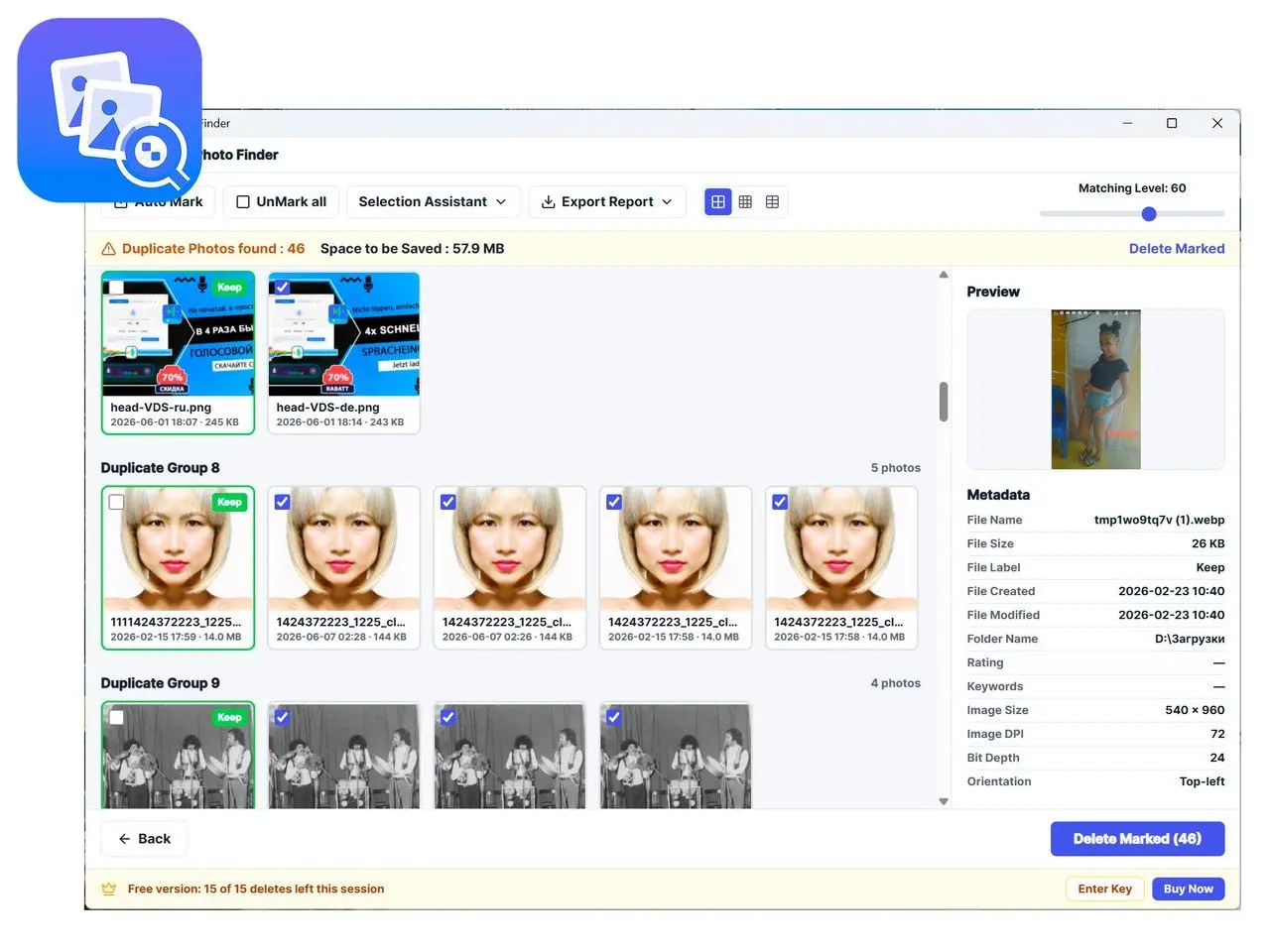
The free version is not a demo with hidden results. It scans, groups and marks everything it finds, then stops after 15 deletions per session.
Duplicate Photo Finder
Sources