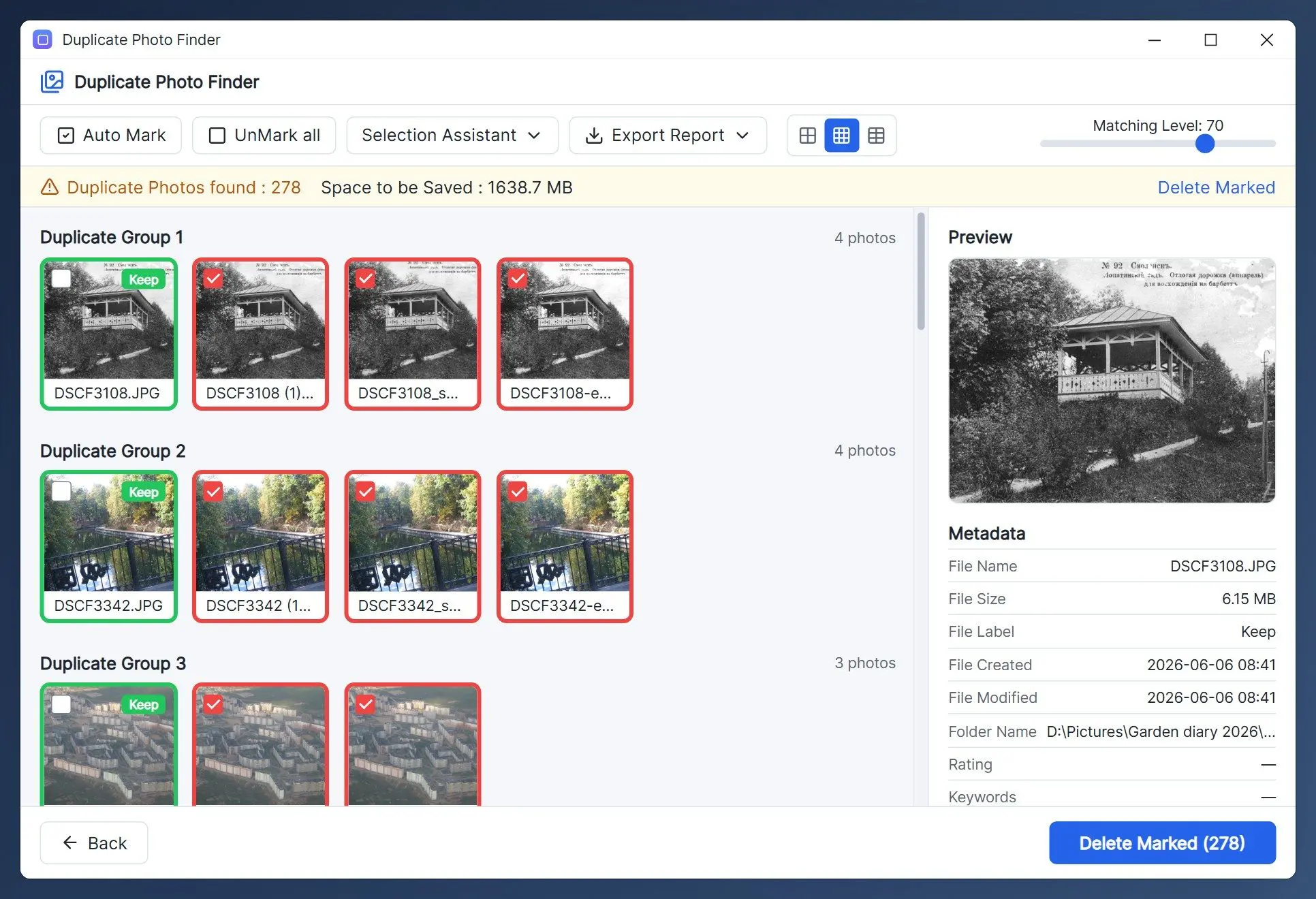
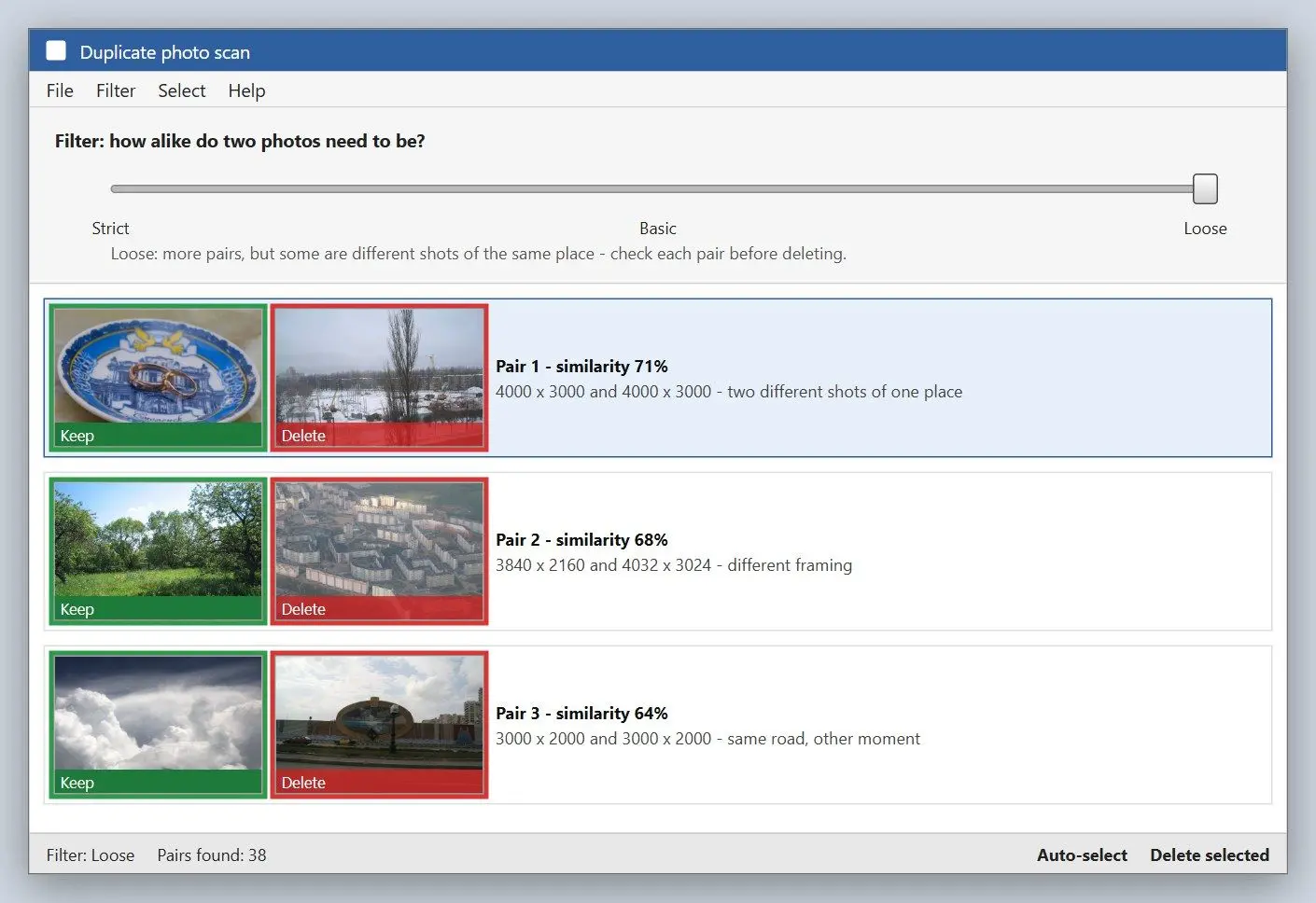
The slider sets how alike photos must be to match. Strict returns near-identical images; Loose includes pictures with clear differences. Basic sits between them and is the safest starting point.
Snapfiles says Strict returns almost identical pictures, while looser settings include images with significant differences. A roundup warns that Loose can pair different photos. Sources disagree on the number of comparison filters: Wikipedia counts four, TechCult five.
A Microsoft community forum answer warns that a low similarity threshold produces more false positives, a trade-off shared by similarity programs.
Run Basic on a test folder and check every pair. Use Strict if too many pairs show different scenes, or Loose if obvious copies are missing. Do not combine Loose with Auto Select on photos you care about.
Can you trust Auto Select with family photos?
Keep it off for similar shots. Auto Select marks one photo per pair using the rules you tick. Reviewers advise disabling it for folders with many lookalikes, including bursts or edits.
Another vendor's write-up lists three Auto Select rules but advises skipping it for folders full of lookalike shots. A Tech Community answer says it sometimes marks pictures you need, making cleanup a manual grind. One Windows 11 user reported losing a batch of family photos to a duplicate program that judged them as copies.
Sources disagree on deletion. One vendor's review names the Recycle Bin; a rival vendor's comparison says VisiPics lacks that safeguard. Do not count on undoing a wrong click.
Before your first real run, copy the photo folder to a second drive and test VisiPics on a small folder with a few dozen files. FossHub gives the same advice on its download page.
Which formats does the old freeware handle, and where does it struggle?
VisiPics loads common formats through ImageMagick (JPEG, GIF, PNG, BMP, PCX, TIFF, TGA, RAW). Users report trouble with large RAW files and missed copies in big collections. Non-Latin file names cause problems too.
HEIC is absent from the format list, so check whether your iPhone archive uses it.
The author's claims and user reports disagree on scale. The author says VisiPics was tested on 100,000 pictures totalling 15 GB, taking about three hours. One AlternativeTo reviewer reported missed copies in more than 10,000 images; another found non-Latin file names were ignored. A KDE forum poster reported problems with large RAW images in 2020. A Tech Community reply called it slow for anyone in a hurry and its interface dated.
We did not time VisiPics; the three-hour figure is the author's claim. For large RAW archives or names in Cyrillic or Chinese, test a sample folder and compare the match count with a second program.
 Duplicate Photo Finder