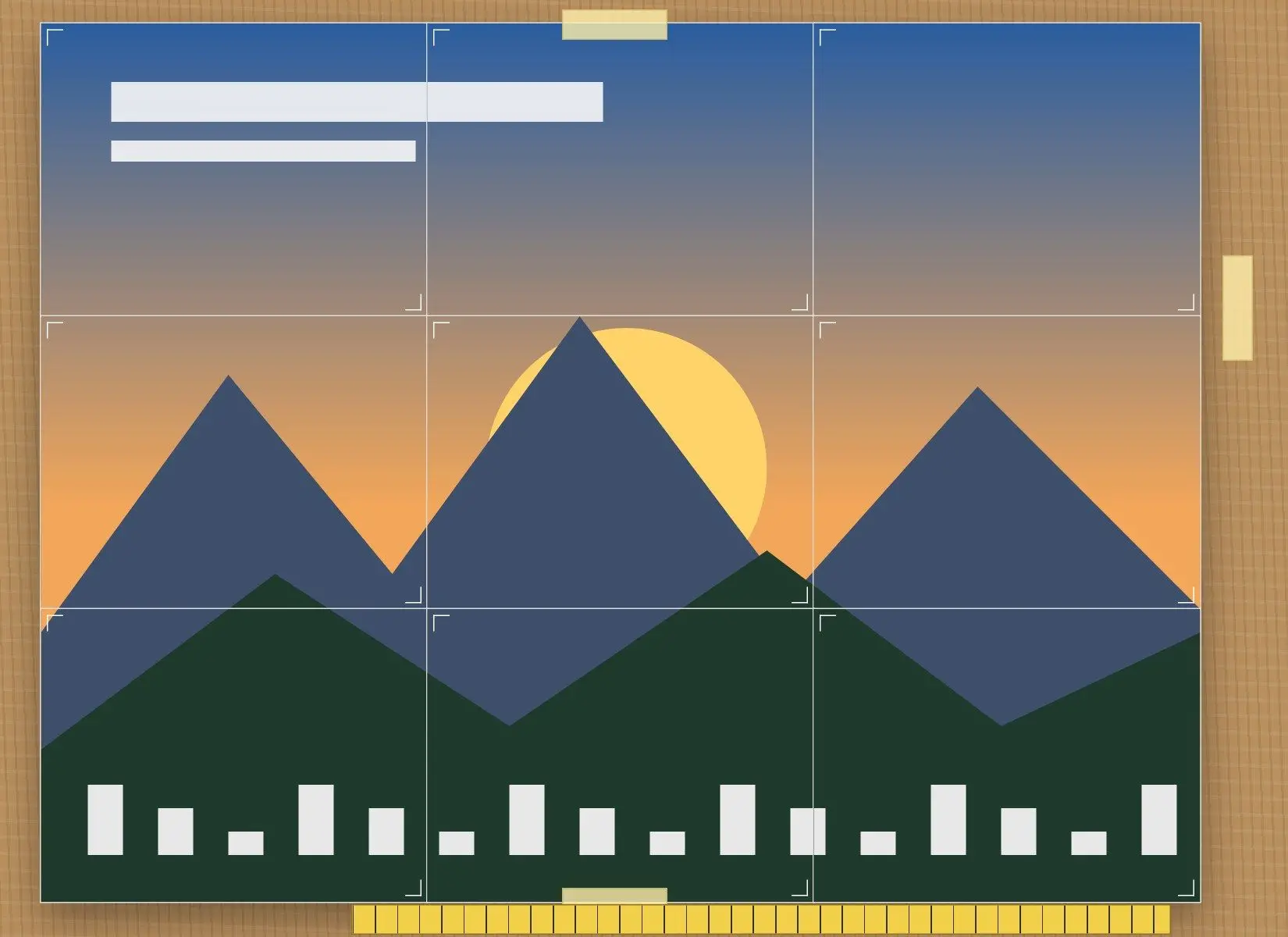
Three 24x36 inch posters on Letter paper add up to 36 tile sheets across several files. Batch Printing Software prints the folder on Windows in one run, with one scaling setting for every file.
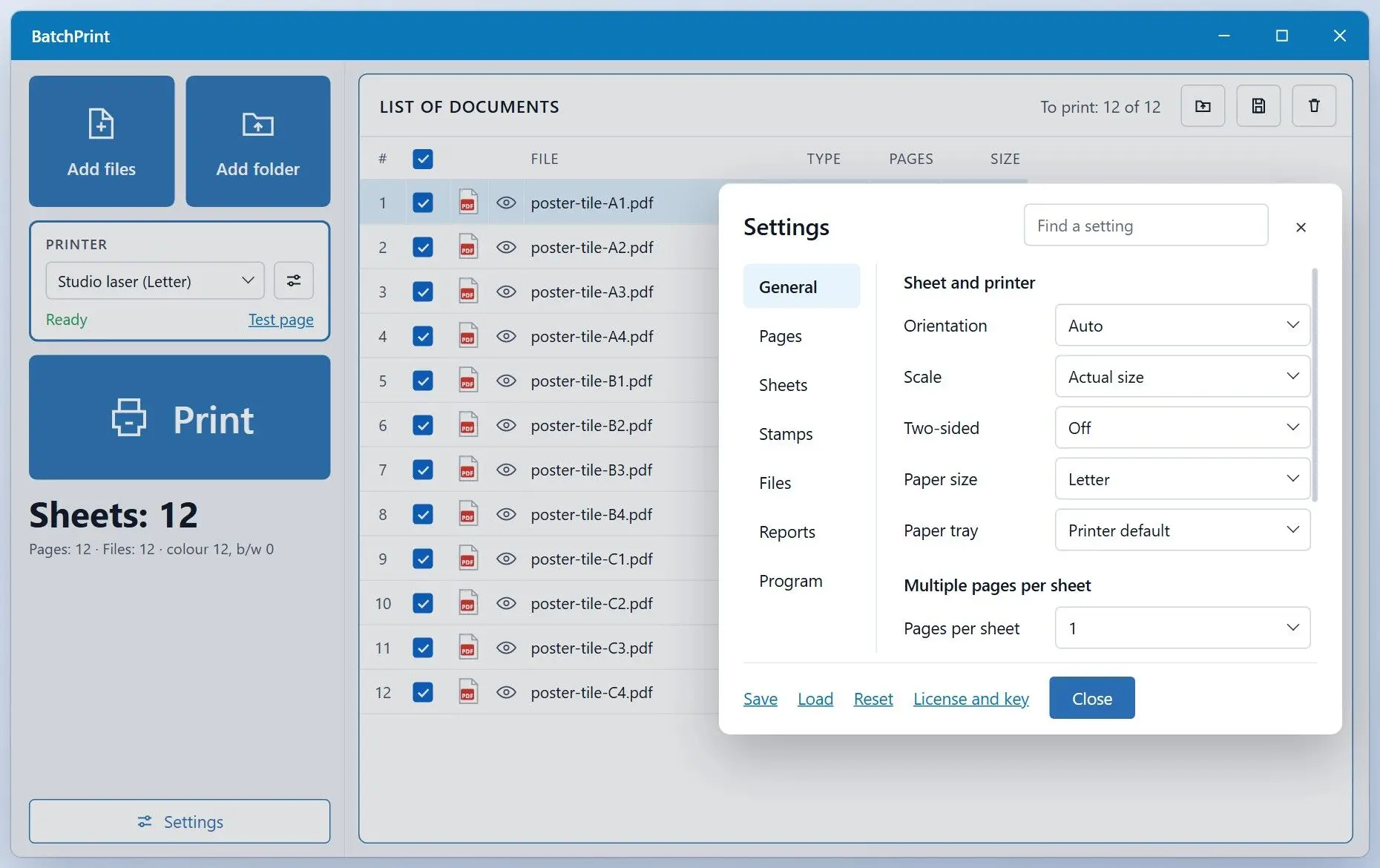
Give Batch Printing Software finished tile files. It accepts image tiles in common formats, plus Word and PowerPoint documents; DOCX and XLSX print even on a PC without Office. Choose actual-size scaling to keep tiles from shrinking to fit; percent scaling runs from 10% to 400%. The free trial handles up to 10 files per batch. You can also print multiple PDFs at once from a list.
- Open, check scale, print, close
- Repeat for every file, checking none printed at Fit
- Drop all tile PDFs in once
- Set actual size for all files and click Print
Free trial and full version
The trial never expires and needs no sign-up. It prints with every setting the full version has, so the rows below are the only difference.
| Feature | Free trial | Full version |
|---|---|---|
| All print settings and per-file overrides | ✓ | ✓ |
| 50 file types, Word and Excel without Office | ✓ | ✓ |
| Files per run | 10 | No limit |
| Files in total | 100, then 1 per run | No limit |
| Report page after each batch | Always printed | Off unless you turn it on |
| Purchase screen after a batch | Once the 100 files are used | ✗ |
| Neither version stamps anything on the printed documents. | Download | Buy now From $ 9.99 |

How many sheets and pixels does a poster need?
Multiply rows by columns: a 24x36 inch poster takes at least 12 Letter sheets (3x4) or 8 Tabloid sheets (2x4, landscape). At about 150 DPI at the final size, you need roughly 3600 x 5400 pixels.
| Poster size | Paper | Grid | Sheets |
|---|---|---|---|
| 24 x 36 in | Letter | 3 x 4 | 12 |
| 24 x 36 in | Tabloid (11 x 17 in) | 2 x 4 | 8 |
| A1 (594 x 841 mm) | A4, zero margins | 3 x 3 | 9 |
| A1 (594 x 841 mm) | A4, 0.5 in margins | 4 x 4 | 16 |
How much overlap do you need, and how do you tape the sheets?
Set 0.25 to 0.5 inch of overlap. Home printers cannot print the outer few millimeters of a page; without it, that blank strip leaves a white gap on the wall.
Trim only the right and bottom edges of each sheet, leaving the left and top as the shared strip. Lay each trimmed edge over its neighbor, match the picture along the cut marks and tape from the back. Work row by row from the top-left tile (A1); inkjet sheets need up to 10 minutes to dry. Your finished poster will be slightly smaller, since each sheet advances by its width minus the overlap.
Pitfalls when printing poster on multiple pages
Check these four settings before your first full print. If you skip the test tile, each mistake can waste a full set of sheets and ink.
✔️ Fit instead of Actual size.
Fit in the printer properties shrinks each tile slightly, so the edges stop meeting. Keep Actual size, 100% scale.
✔️ Trimming both edges.
Cutting the shared strip off both sides leaves white gaps.
✔️ Poster on, one page out.
Acrobat's Tile only large pages option skips pages that fit one sheet. A Letter PDF at Tile Scale 100% prints as one page. Raise the percentage.
✔️ Borderless mode.
Borderless printing adds subtle scaling that misaligns tiles. Print your first set with normal margins.
Sources
- TechCult: large image on multiple pages in Windows 11 the Paint Fit to route on Windows 11
 Batch Printing Software