 Excel Password Recovery
Remove a password from your own Excel file: sheet and workbook locks, the open password, and what to do when you forgot it. Steps for Windows.
Can a password to open an Excel file be removed, or only found?
Only found. A password to open is the encryption key for the file, so there is no setting to delete. An answer on Microsoft's Q&A site says a forgotten password on a fully encrypted file has no recovery route and no bypass from Microsoft.
One user had tried every password they knew and had gone back to older versions of this document, and nothing worked. Before starting a search, check OneDrive or SharePoint version history and older backups for a copy saved before the password was set.
Microsoft Support describes removal only if you know the password. VBA macros can't open an encrypted file either, and as ExcelDemy notes, the ZIP edit fails on a file protected with Encrypt with Password.
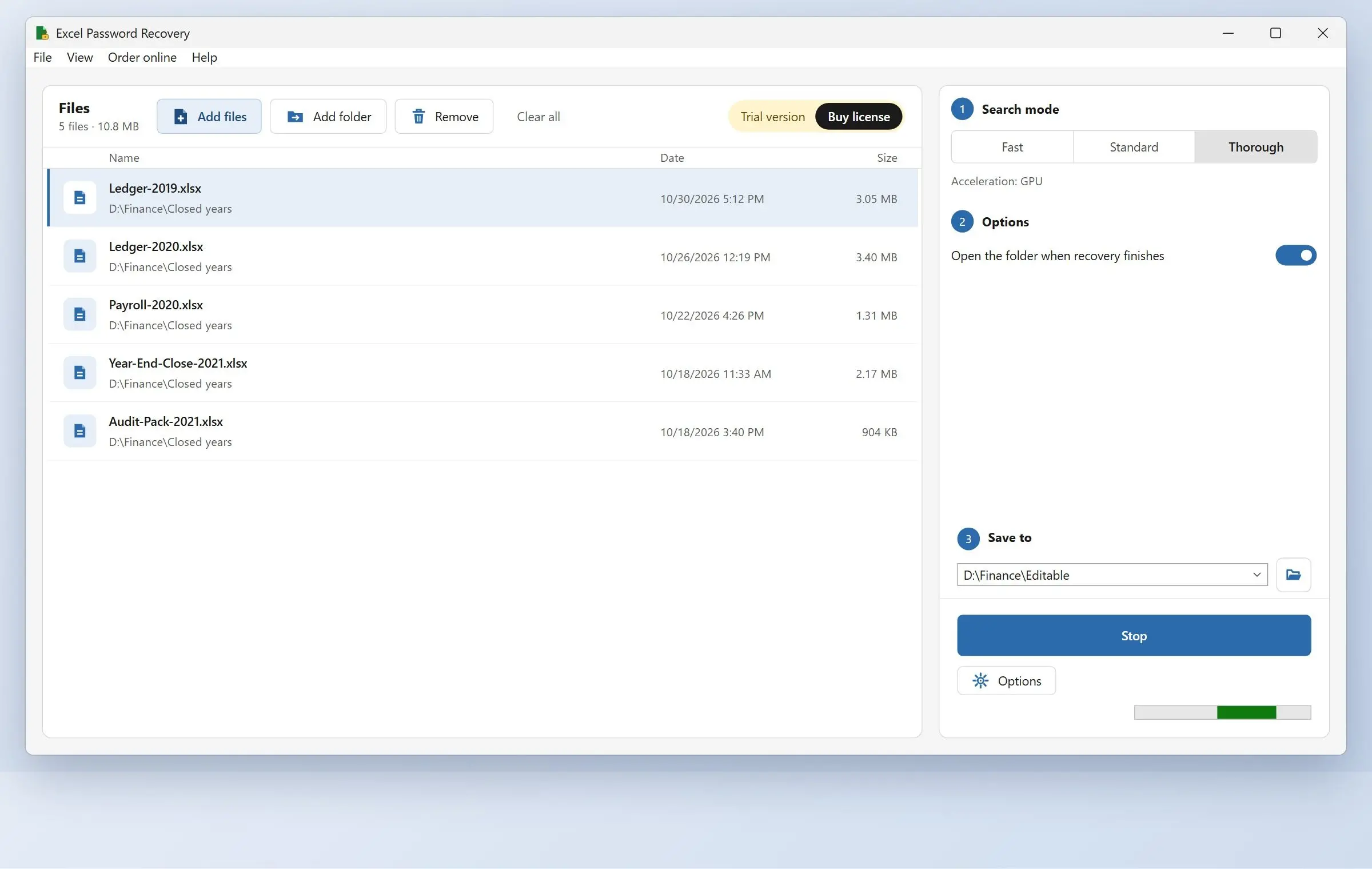
Excel Password Recovery runs a dictionary-based Excel password recovery search against your file. It tries words and common variations and shows you the password if it finds a match. To remove it, open the file with that password and clear it under Encrypt with Password. A familiar word can fall quickly, while for a strong password the forum advice is that you have to wait sometime.
Is it safe to use an online Excel password remover?
Keep confidential workbooks off these sites. The operator receives your upload, and you can't verify a claim that your file stays in the browser tab.
Free online Excel password remover sites mostly handle sheet locks. None can bypass a password to open. One how-to guide advises against using these services for any file containing sensitive or personal data. Use Excel's menus, the ZIP edit or a program on your drive. Keep the opened file in a password-protected folder.
Excel Password Recovery
Sources


