Batch Picture Resizer Batch Picture Resizer

Convert ICO to PNG and Keep Transparency

Convert your ICO files into PNG format with full transparency easily.

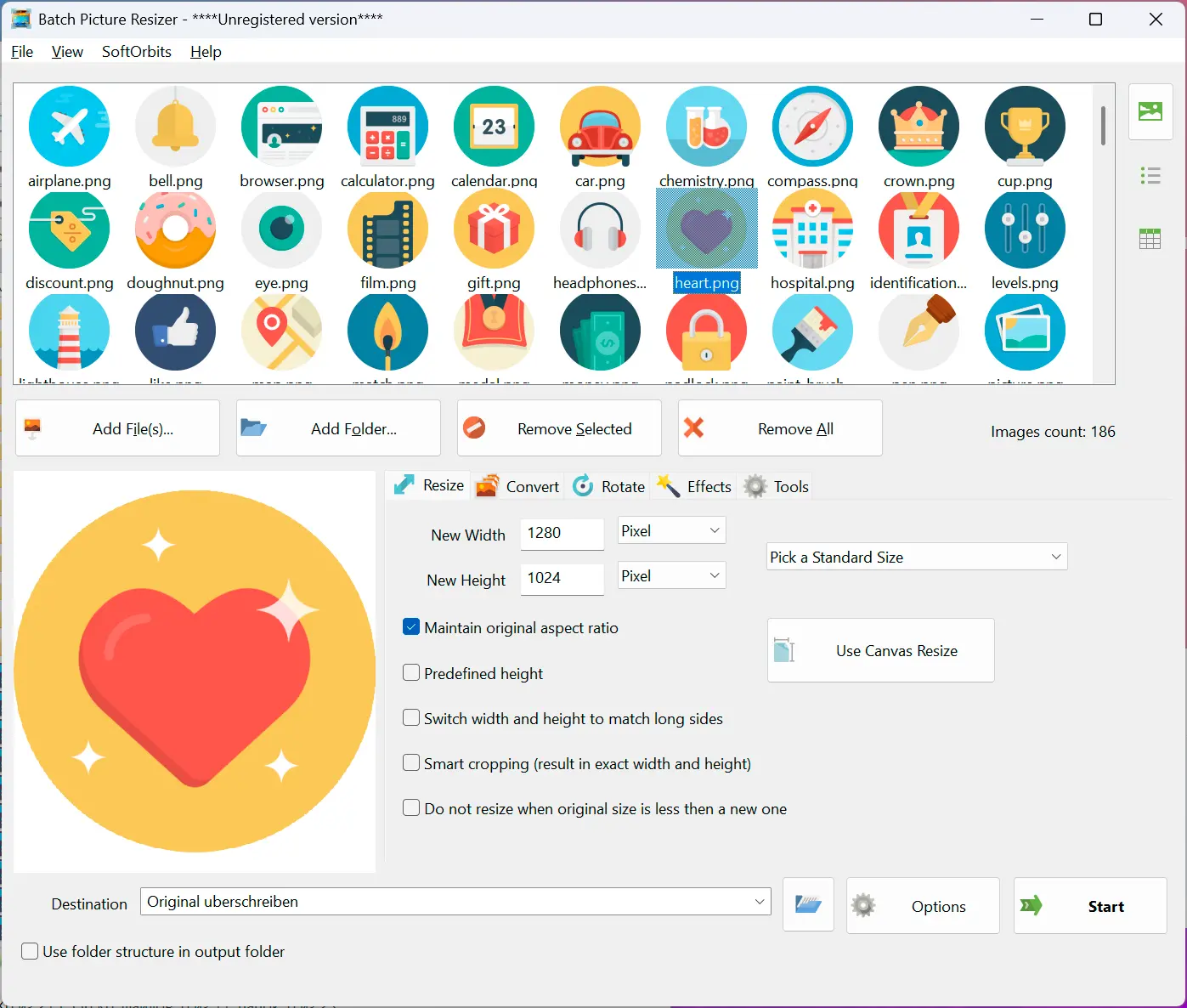
Batch Picture Resizer Screenshot.
Need to convert icon to PNG for design tools or the web? Skip endless uploads—grab one ICO to PNG converter download and process whole folders on your PC.

Icon to PNG Converter — Offline Download for Windows

Windows shells and shortcuts rely on ICO files, yet most image editors expect PNG. PNG stays lossless and keeps alpha channels, so it is the practical format for editing transparent artwork.

Batch Picture Resizer: Screenshot.

The app converts batches of ICO files to PNG, taking the largest embedded image and deepest color depth while copying 8-bit alpha transparency through to the output.


Benefits

Batch Mode.

Batch Mode

Convert ICO to PNG on Windows from whole folders or hand-picked files. Console mode is there when you need scripted, repeatable batches for automation.

ICO, ICL, CUR Supported

Batch Picture Resizer opens ICO variants, ICL libraries, and CUR cursors alike, then writes clean PNGs that stay faithful to the source artwork.

ICO, ICL, CUR Supported.
No Quality Loss.

No Quality Loss

Most ICO bundles ship several resolutions. We lift the strongest candidate—usually 512×512 or 256×256—so the PNG you get matches the crispest embedded asset.

Other Features

  • Retain Transparency

    Our tool ensures transparency with 8-bit alpha layers is preserved and copied into the output PNG, preventing jagged edges on transparent icons.

  • Resizing Available

    Our tool can downsize extracted icons to any size, including antialiasing for sharp results on small icon dimensions.

  • Command Line Mode

    Use it from BAT or CMD files if you need to automate regular conversions.

  • Control PNG settings

    You can choose to use interlaced or non-interlaced PNG image format.

How to Change ICO to PNG on Windows

Download & Install.

1. Download & Install

1. Download & Install

Download Batch Picture Resizer and step through the installer—your ICO to PNG workflow sits inside the broader batch toolkit.

Add Your ICO Icons.

2. Add Your ICO Icons

2. Add Your ICO Icons

Use the Add Files button or simply drag and drop ICOs into the window.

Choose PNG Output Format.

3. Choose PNG Output Format

3. Choose PNG Output Format

On the Convert tab, choose PNG from the Format dropdown list.

Start Conversion.

4. Start Conversion

4. Start Conversion

Click the Start button and check the output folder when done.

3
Batch Picture Resizer

Batch Picture Resizer

Languages
File Size

10.6 Mb

Version

13.3

Last updated on

14/02/26

$ 19.99

🖥️ System Requirements

  • Windows 11/10/8.1/8/7 (32/64 bit)
  • Intel i3, AMD Ryzen 5 or above
  • 4 GB of RAM or above
  • NVIDIA® GeForce® series 8 and 8M, Intel® HD Graphics 2000, Quadro FX 4800, Quadro FX 5600, AMD Radeon™ R600, Mobility Radeon™ HD 4330, Mobility FirePro™ series, Radeon™ R5 M230 or higher graphics card with up-to-date drivers
  • 1280 × 768 screen resolution, 32-bit color
  • 1 GB of free hard disk space or above

🙋 Frequently Asked Questions

No, Batch Picture Resizer is Windows 11/10 software.

We offer icon maker software that can easily create Windows, iOS, or Android icons from your PNG image, including an icon editor.

Rate Icon to PNG Converter

  • Windows 7
  • Windows 8
  • Windows 10
  • Windows 11
Author: SoftOrbits (English)
Avg. rating: 4.5 from 802 votes