
 SayOnce - Voice Dictation Software
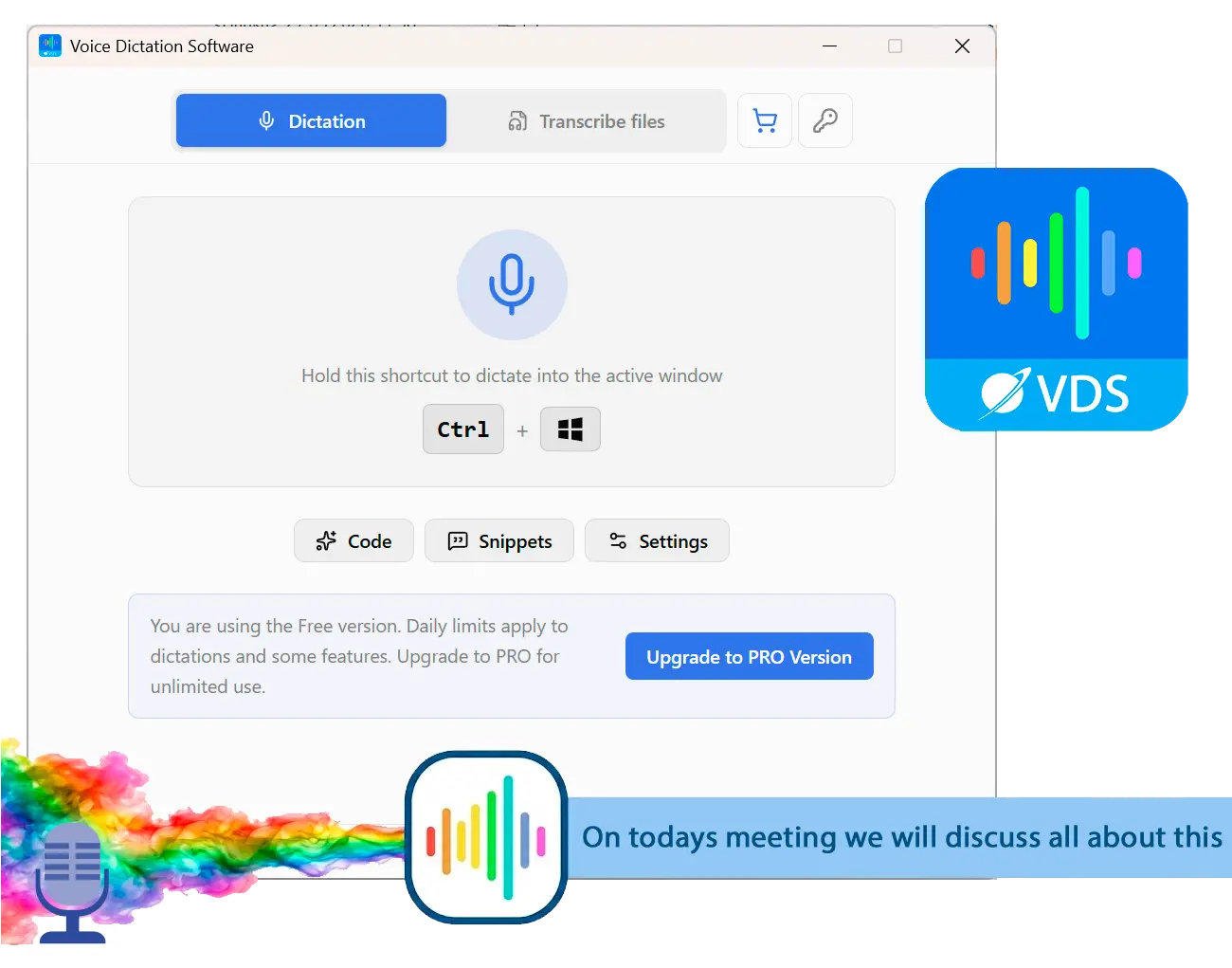
Voice to Text Dictation Software for Windows allows you to input text 4x faster. Just hold a hotkey and speak instead of typing text. Convert your audio and video files into text for quick reading.
Subscription or one-time video transcription software: what you really pay
Most cloud tools bill monthly, which quietly compounds if you transcribe often. A one-time license costs more up front and nothing after. Do the yearly math before you commit.
The pricing split lines up with the privacy split. The cloud tools mostly run on subscriptions, and even a modest plan adds up to real money by December, every year. Rev's entry subscription is about $25 a month billed annually at the time of writing, Sonix runs around $10 an hour or a monthly plan on top of usage, and Descript starts near $16. A one-time license flips that math, because you pay once and own it. On this list only MacWhisper and our own offline speech-to-text software take that route, and MacWhisper is Mac-only, so on Windows the one-time option is narrow. A recurring note in transcription threads is people "fed up of the monthly subscription models" looking for a lifetime app instead. So if you transcribe regularly, add up a full year of the monthly plan before you sign up.
Voice to Text Dictation Software for Windows allows you to input text 4x faster. Just hold a hotkey and speak instead of typing text. Convert your audio and video files into text for quick reading.
How accurate is video transcription software, and how do you improve it?
Modern engines are accurate on clean audio, but accents, crosstalk and technical jargon still trip them. A rough rule from users is that anything under about 95% needs a human pass before you trust it.
Raw accuracy is high enough now that it is rarely the headline problem on clean studio audio. Real video is messier. Reviewers report Otter stumbling on accents and noise, and Descript's auto-transcript drawing complaints that it is "riddled with errors that it's tedious to correct." A pattern from people who do this daily is blunt. Anything under roughly 95% accuracy needs a human read before you rely on it. You can push the number up without much effort. Start with a clean recording, since a decent microphone and a quiet room do more than any software setting. Cut crosstalk where you can, because two people talking over each other is the single hardest thing for any engine to untangle. And where a tool lets you add custom vocabulary for names or technical terms, use it.
Treat every "99%" or "99.8%" accuracy figure as vendor-claimed marketing, not a tested result. None of the numbers here come from our own measurement, and independent reviews routinely report lower real-world accuracy on accented or noisy audio.
Are the free trials generous enough to test before you buy?
Often no. Free tiers cap minutes or files, and several are too small to judge the output at scale. Read the specific limit before you invest time in one.
Nearly every video transcription program here has a free tier, and most of them are built to run out fast. Otter lets light meeting users in but throttles imported video hard. HappyScribe's trial is 10 minutes of AI transcription, which one reviewer said is not enough to test anything real. TurboScribe gives you 3 files a day. Even offline Windows rivals do this. Users trying one such app found "3 minutes free transcription" and no way to pause or cancel a running job once it started. The lesson is to check the exact cap before you spend an afternoon on a tool, and to test with a file that looks like your real work, accents and all, not a clean sample clip.
Can you export subtitles, or only plain text?
Not every tool gives you a subtitle file. If you need SRT or VTT for a video edit, check the export list first, because several tools, including ours, write plain text only.
A transcript and a subtitle file are different deliverables, and mixing them up is a common way to pick the wrong tool. If you just want to transcribe an MP4 to text you can read and search, almost anything here does it. If you need timed subtitles that line up with the video, you need SRT or VTT export, and that narrows the field. Most of the paid tools export subtitle formats, and so does the offline MacWhisper on Mac. Otter and our own SayOnce do not. SayOnce version one writes .txt only, without timestamps or an SRT file. This friction is not new. A long-running request thread on Adobe's Premiere forum shows editors wanting to export a transcript straight to SRT without building a caption track first. So if subtitles are the goal, confirm the format before you buy. For a text-first workflow inside a document instead, our guide to voice to text in Word covers that route.
Which video transcription software is best for your use case?
Meetings favor Otter. Video editors want subtitle export from Sonix or HappyScribe. Confidential work wants an offline tool. Multilingual teams want the widest language list. Match the tool to the job, not the longest feature list.
The right pick depends on what you actually transcribe.
If dictation rather than file transcription is closer to your need, our roundup of the best dictation software for Windows ranks the live-typing field on the same accuracy and privacy criteria.
For a broader look at the overlap between typing by voice and transcribing files, our guide to voice to text software for Windows sorts the field by offline support and price.
Also considered: best video transcription software we left off the list
A category this crowded has more than eight names, so here is what we looked at and set aside, and why. SayOnce - Voice Dictation Software
Sources