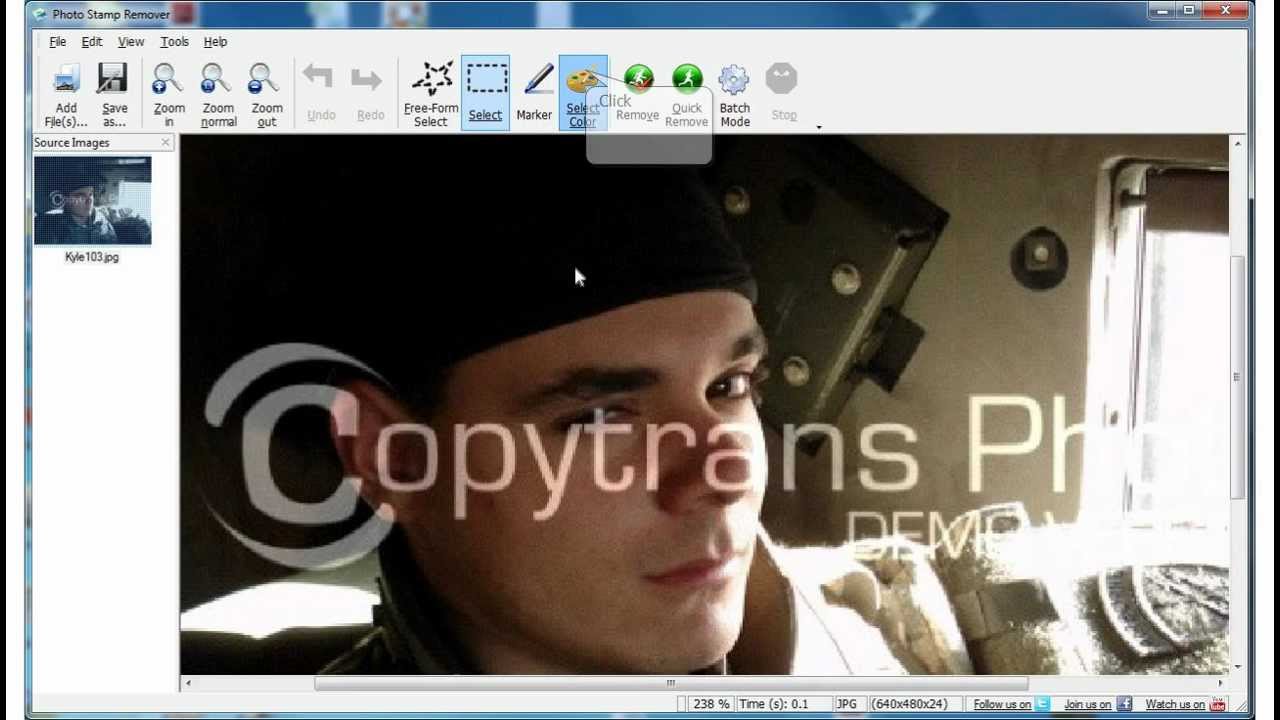
This walkthrough shows how to remove copyright marks from pictures when you are allowed to change the file. Photo Stamp Remover works as a desktop copyright remover with both quick AI passes and precise manual tools.

  1. 1️⃣ Download Photo Stamp Remover.
  2. 2️⃣ Load your image.
  3. 3️⃣ Try one-click AI copyright remover.
  4. 4️⃣ (Alternate) Select the copyright area manually.
  5. 5️⃣ (Alternate) Click Remove.
  6. 6️⃣ Save the edited image.
Eugene - CEO at SoftOrbits, Candidate of Technical Sciences, has more than 16 years of expertise in software development, photo and multimedia applications, enhancing and transforming digital images and videos.
📅 Last updated on:  2026-04-13

How to Remove Image Copyright: Step-by-Step Guide:

Download the software from the official website.

Install the program on your computer.
Select the photo you want to clean.

Open the app and choose the Remove option.

Remove Copyright From Picture..

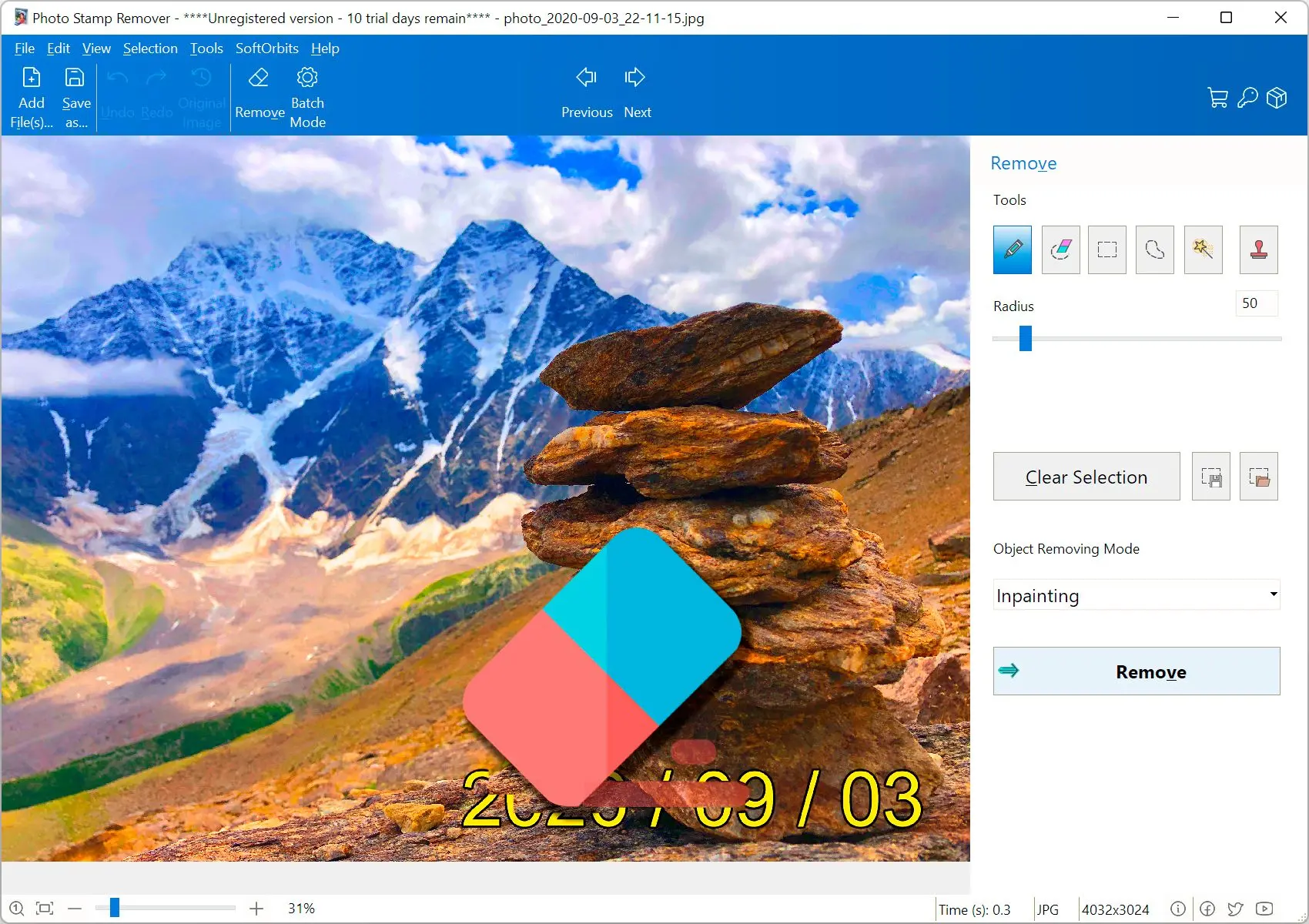
Use the Marker or Lasso tools to outline the copyright or watermark area.

Remove Copyright Watermark From Photo..

Click Remove to clear the selected region.

Remove Copyright Watermark From Picture..

Save your edited photo.
Photo Stamp Remover Photo Stamp Remover

Remove unwanted watermarks, text, and logos from your images with the free SoftOrbits Watermark Remover.

Video Tutorials

Features

  • Automatic text-style copyright detection plus a one-click path when the AI model is downloaded
  • Manual selection when you want full control from a copyright remover app
  • Three classic inpainting engines and AI object removal with generative-style fill for complex backgrounds
  • Detects transparent overlays and can treat large stamped regions in one pass
  • Batch mode to process multiple photos after you set a repeatable copyright remover workflow
  • Pair with our video watermark remover when you also need to clean clips from YouTube, TikTok, or Instagram
  • Prefer a browser workflow? Use the online watermark remover for quick tests; the desktop build still suits heavy batches and offline work.

Is It Legal to Remove the Copyright From Your Photos?

You should only remove copyrights, watermarks, or date stamps from images you created, licensed for editing, or otherwise have permission to alter.
That is the core of how to remove copyright from a photo responsibly: edit pixels only when the rights situation is clear.
Copyright infringement (at times referred to as piracy) is the use of works protected by copyright without permission for a usage where such permission is required, thereby infringing certain exclusive rights granted to the copyright holder, such as the right to reproduce, distribute, display or perform the protected work, or to produce derivative works. The copyright holder is usually the work's creator, or a publisher or other business to whom copyright has been assigned. Copyright holders routinely invoke legal and technological measures to prevent and penalize copyright infringement.

Wikipedia
Is it legal to remove a copyright from your photos..

Fair Use

Fair use is a legal doctrine that allows limited use of copyrighted material without permission from the copyright holder. It is a complex area of law with no fixed checklist, and courts weigh several factors when they decide whether a particular use is fair.

Disclaimer

This information does not constitute legal advice. Readers must seek professional legal consultation for situation-specific guidance.

Photo Stamp Remover Photo Stamp Remover
Remove visible copyright notices and stock watermarks from photos on your PC with Photo Stamp Remover. Try AI-assisted cleanup, manual selection, and batch mode when you have the right to edit the file.

Remove unwanted watermarks, text, and logos from all types of images.


🙋Frequently Asked Questions

People often use that phrase when they mean removing a visible copyright notice, stock watermark, or date stamp from a picture. Photo Stamp Remover is built to clean selected areas when you have the right to edit that file.

An AI copyright remover can inpaint behind text or logos, but edge quality still depends on the background. You still need a legal reason to change the image; stripping someone else's watermark without permission is not acceptable use.

No. Stripping EXIF or IPTC data is metadata editing. Photo Stamp Remover targets marks burned into the pixels, which needs a different preview and retouching flow.

Many people want a quick test on one photo. A free trial can answer that, while a paid license tends to suit frequent jobs, batch folders, or a professional AI copyright remover setup with stable updates.

Typical cases include your own exports with an unwanted watermark, personal scans with hardware marks, or licensed assets whose terms allow cleanup. When in doubt, keep the notice or ask the rights holder.

No tool guarantees invisible results on busy backgrounds, fine hair, or heavy compression. Start from the highest-quality source, preview at 100 percent zoom, and plan to refine difficult edges manually if needed.