

iStock watermark removal software helps you edit watermarked images.

  1. 1️⃣ Download and Install SoftOrbits Watermark Remover.
  2. 2️⃣ Open Photo with iStock Watermark.
  3. 3️⃣ Select Watermark Area.
  4. 4️⃣ Remove Watermark.
  5. 5️⃣ Save Watermark-Free Image.
Photo Stamp Remover Screenshot.
️ Eugene - CEO at SoftOrbits, Candidate of Technical Sciences, has more than 16 years of expertise in software development, photo and multimedia applications, enhancing and transforming digital images and videos.
📅 Last updated on:  2026-10-14

I needed a photo for a client presentation, but an iStock watermark covered the giraffe's face. Online editing tools made the image blurry, so I tried SoftOrbits Watermark Remover. I highlighted the watermark, clicked the remove button, and the giraffe looked clear.

What you will learn

How to remove the iStock Photo Watermark using Photo Stamp Remover Software

Install the iStock Watermark Remover software and complete the registration process. The steps below show how to remove the iStock watermark from a photo.

How to use iStock Watermark Remover

Install the iStock Watermark Remover software and complete the registration process.

How to remove the iStock Photo Watermark..

Click the Add files button and select one or more pictures.

Remove the iStock Photo Watermark..

Use the marker tool to highlight the watermark.

Marker tool to remove iStock Photo Watermark..

Click the remove button to remove the highlighted watermark.
To remove date stamps, select the area with the color tool and remove the stamps.

Remove the date stamps from the picture by using the color tool..

For automatic removal, mark the watermark and click the remove button. The software can also remove unwanted objects with manual options such as the Concealer tool and Smudge brush.

Remove the stock photo watermark..

Click the save button to save the edited picture on your device.
Add styles and effects, remove unwanted objects, and change the picture as needed.
Photo Stamp Remover Photo Stamp Remover

Remove unwanted watermarks, text, and logos from your images with the free SoftOrbits Watermark Remover.

Video Tutorials

Windows 11 / 10Free trial, no sign-up

What is iStock?

Remove iStock Photo Watermark..

iStock is a stock photo agency that provides royalty-free images at minimum payment requirements. Getty Images supports it as an exclusive image provider. You can buy iStock photo collections for some dollars or choose an iStock subscription.

How to remove iStockPhoto watermark from video?

The Remove Watermark from Video tool by SoftÓrbits removes logos, watermarks, and unwanted objects from videos. Complete the installation and registration, then follow these steps.

How to remove iStock Watermark From video (step by step)

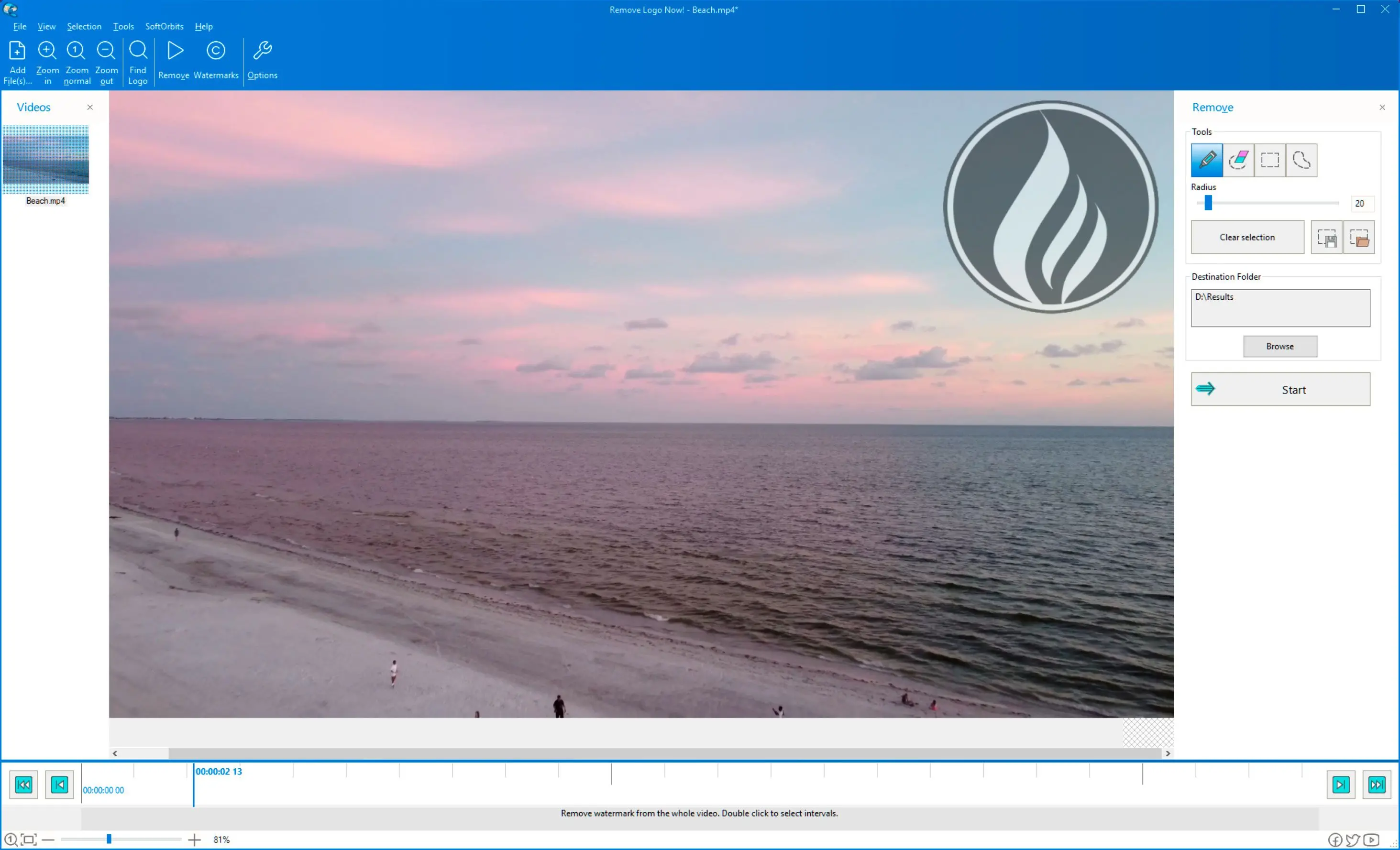
Open the videos from your device by clicking on the Add files option or dragging the video file over it.

How to remove iStock video watermarks..

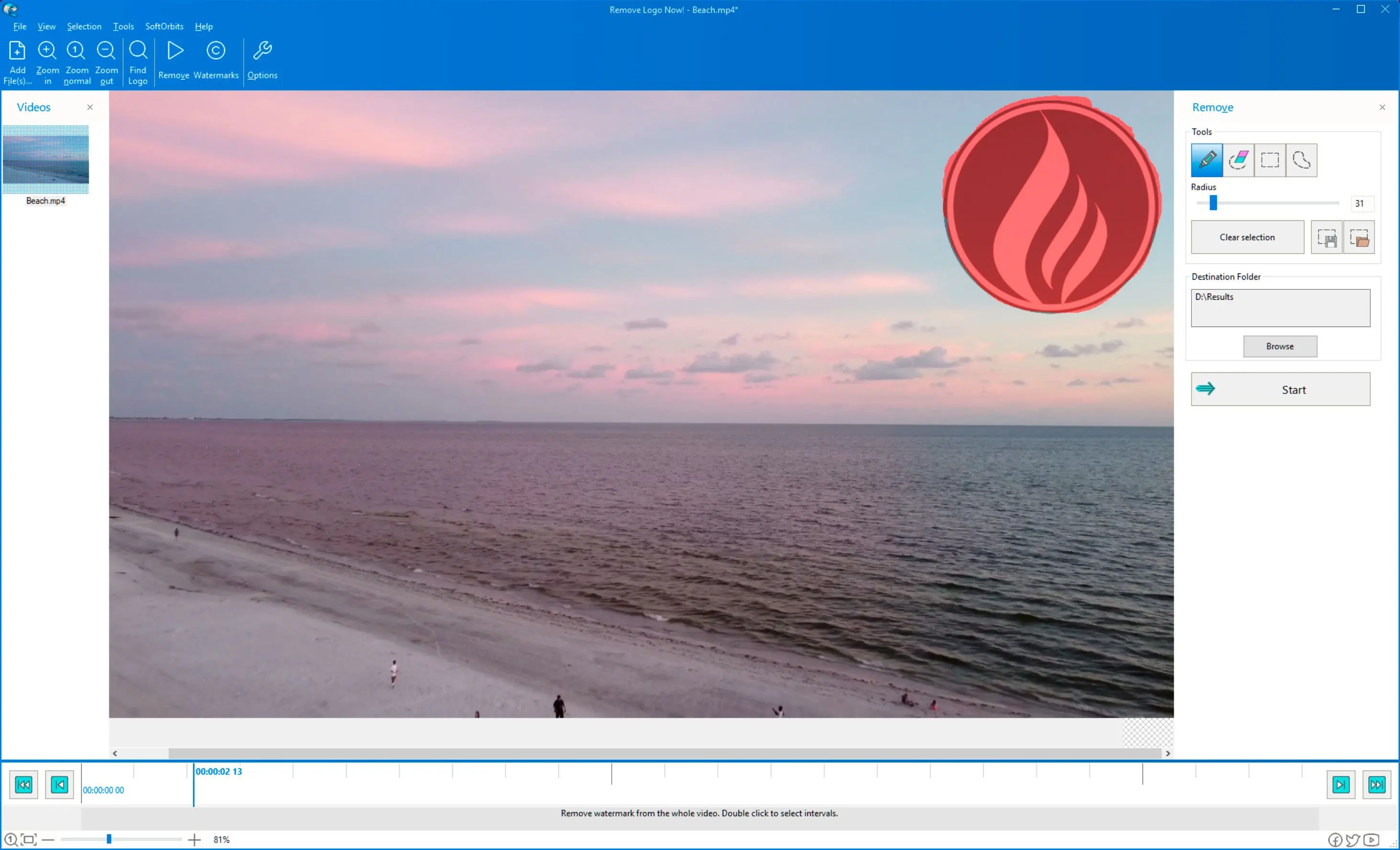
Let the software detect the watermark with Find Logo, or zoom in and select the area where the logo appears.

Remove video watermarks like iStock..

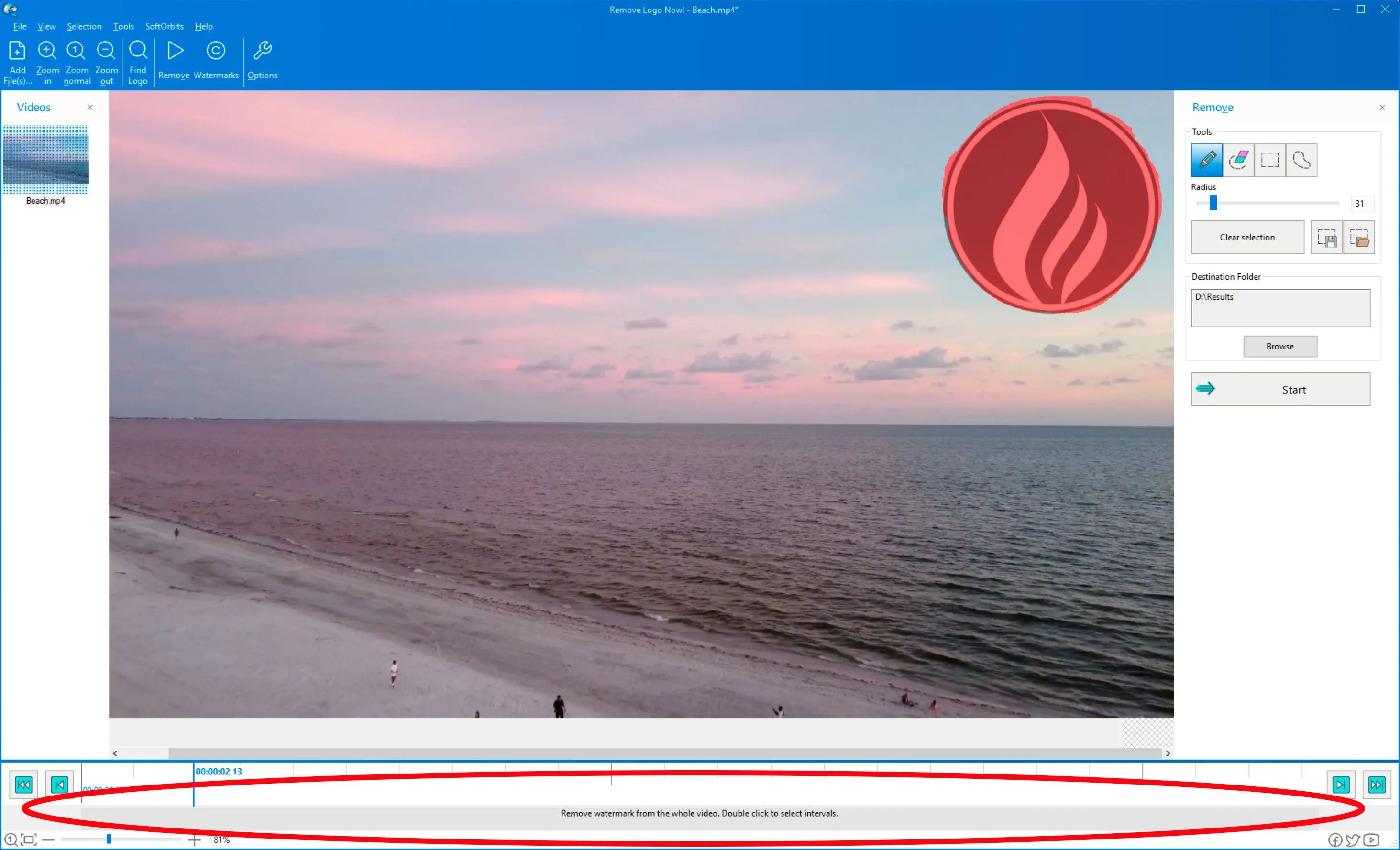
You can also select the intervals of video from which you want to remove the stock video watermark or another watermark placed in the video. Select all or one frame where the watermark appears, and it will disappear after a few moments.

Select the intervals in the video..

After removing the watermark like istock, the software gives you more facilities when you save the video on your device.

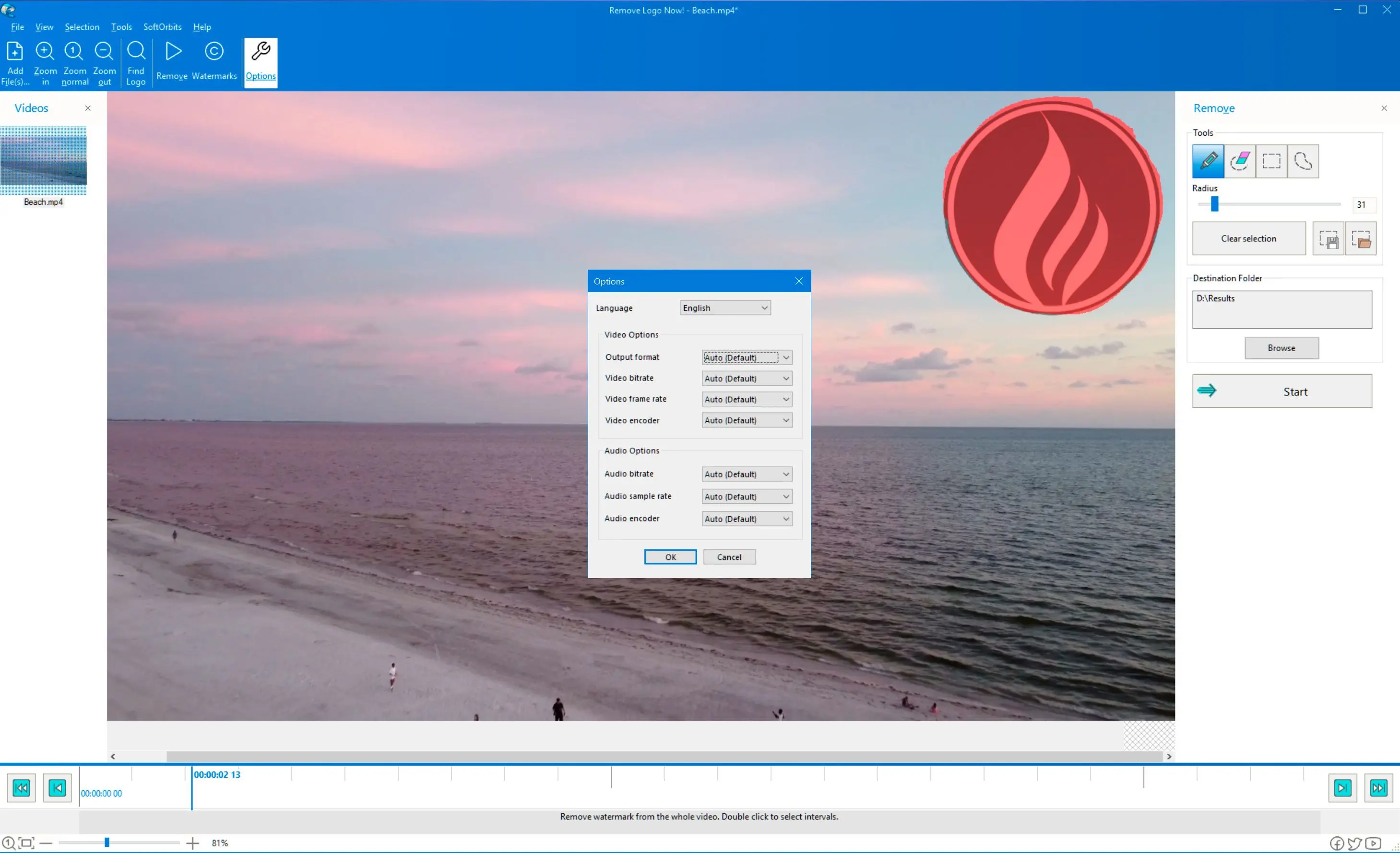
Save the video in different popular digital formats and choose bitrate and audio settings. Select a video format, and the video will be saved in that format automatically.

Choose formats, bitrate and audio settings..

Download the video without a watermark.

Video without a watermark like iStock..

Alternate methods to remove iStock photo watermark

Crop Method

Select the area where the logo or watermark appears and crop it.
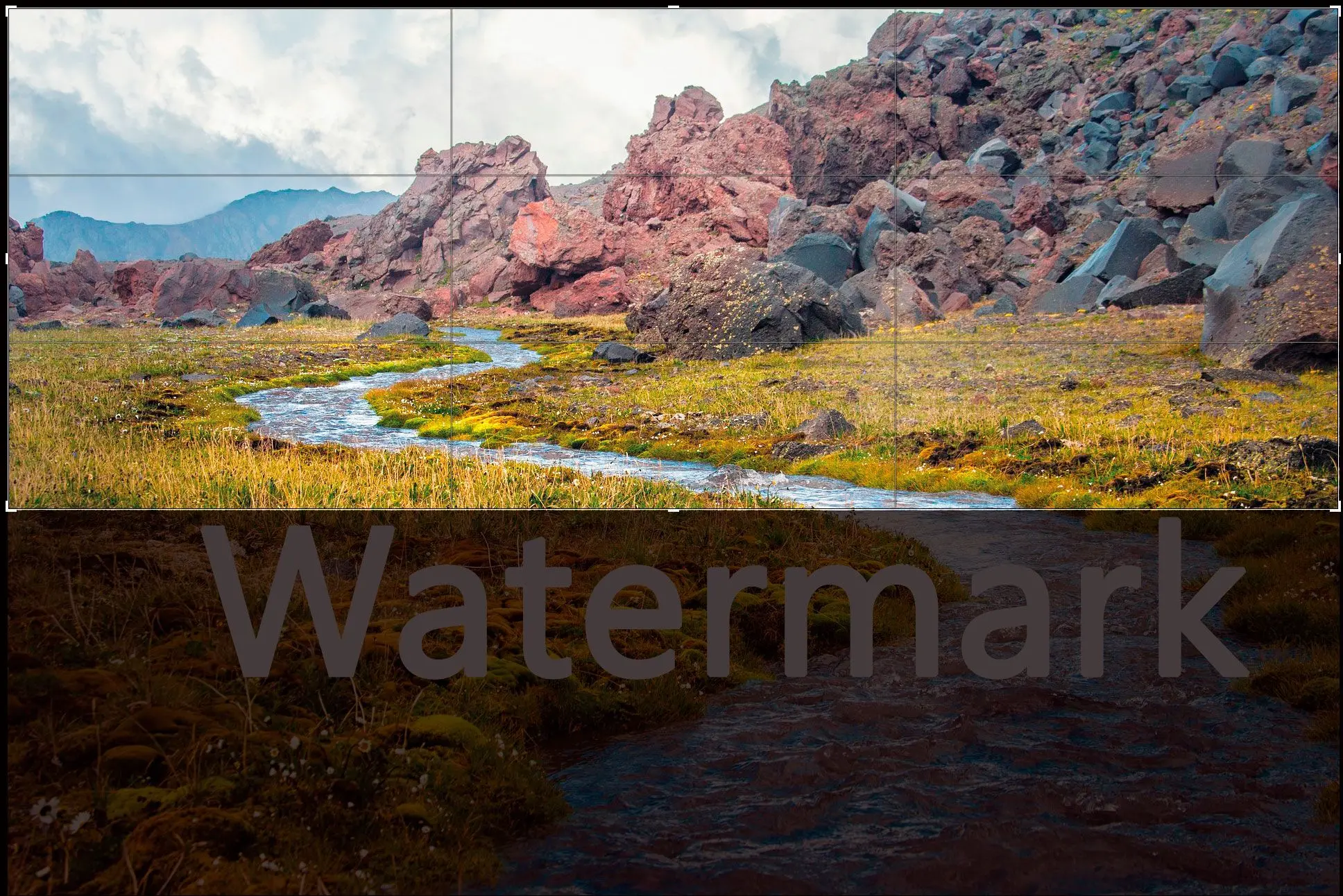
Alternate methods to remove iStock photo watermark..

This method requires a subscription, your payment method, and other required information.

Remove iStock photo watermark online

Two online tools, Adobe Photoshop and Luminar AI, remove iStock photo watermarks. You need an internet connection to use them. Several websites also work online without downloading the whole software.


Remove iStock photo watermark online..
Luminar AI..

Is it illegal to Remove an iStock Watermark?

Using stock images without paying and removing their logos or watermarks may create copyright issues. It is illegal to remove the iStock watermark without paying for the pictures.
After completing the registration process for the payment plan and paying for the pictures, you are allowed to use them as you want.

Photo Stamp Remover Photo Stamp Remover
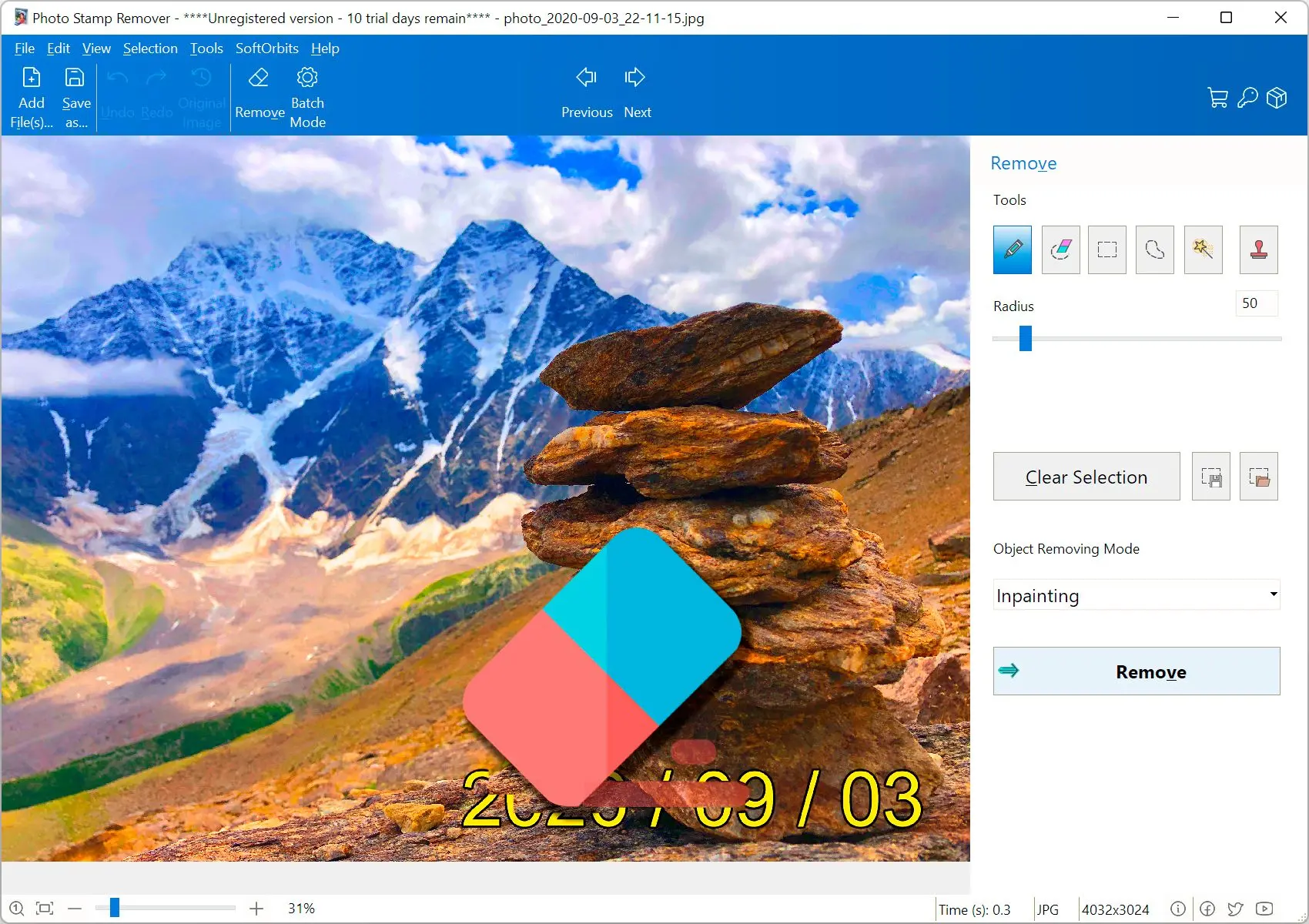
Looking how to remove the iSock Photo Watermark? Download SoftOrbits Watermark Remover software. Easy to use.

Remove unwanted watermarks, text, and logos from all types of images.


🙋Frequently Asked Questions

Download and install Adobe Photoshop. Use the Magic Wand tool to zoom in and select the photo or video watermark for removal.

After the free sign-up on Istock, you get one image, video, or audio clip each week for free. You must pay some amount to use a limited number of stock images free.

An iStock video downloader lets you download high-quality videos from the stock after you register for the subscription process.